The Best Social Media Automation Tools: 24 Tested (2026)
Which tools post, recycle, answer comments and DM your link on their own? 24 tools compared on what they automate, what they cost, and what your AI can do through them.

Co-founder of Pozy · Updated 24 Nov 2026 · 39 min read
TL;DR
Pick Pozy if you want Claude or ChatGPT to post and reply for you, with comment-to-DM and recycling on every plan: $23 a month billed yearly. Metricool's free plan already has a queue, recycling and blog feeds. RecurPost recycles old posts from $7.50. Zapier, Make or n8n connect the rest.
After this article, you'll be able to:
- See what each of 24 tools really does on its own: queues, recycling, blog feeds, replies, DMs
- Compare comment-to-DM: which tools send your link to people who comment, and on which networks
- See what Claude or ChatGPT can do through each tool, and on which plan
- Know what 2 real setups cost on each tool, and where a setup breaks
- Connect the rest with Zapier, Make, n8n or IFTTT, and know which networks they can't post to
I grew my Instagram with Pozy. Our team's workspace now runs 17 social accounts.
On those accounts, some jobs happen with nobody in the loop. Someone comments a word under a Reel, and they get a DM with the link.
That's what social media automation means here: a tool does a job again and again, without you each time.
I co-founded Pozy, so read my first pick with that in mind. It's the social media scheduler our posts go out from.
464
DMs our comment-to-DM automations sent, from 589 comments that set one off
65
posts published through our workspace from 1 to 21 Nov 2026
#How I tested them
I've tried each of these 24 tools, and our own posting runs on Pozy. Then I put them side by side on what they do without you:
- Posting: a weekly timetable that new posts drop into, recycling of old posts, blog feeds that post on their own, spreadsheet uploads.
- Replies: rules that answer comments and DMs, and comment-to-DM (a comment with a keyword sends the person a private message).
- Connections: Zapier, Make and n8n, and what Claude or ChatGPT can do through the tool.
- Cost: what 2 real setups cost, from each tool's own pricing page, and where a setup breaks.
- The small print: Black Friday sales running now, free plans, trials that ask for a card.
Prices are per month, billed yearly. A profile, channel or account all mean one connected social account. On Metricool and Zoho Social, a brand is one account on each network. On Zapier, Make and IFTTT, a task or a credit is one step a flow runs. An API is a way for developers to connect their own code to a tool.
#What social media automation can do for you
There are two layers.
Inside one tool. The tool posts, recycles and answers for you:
- A queue: a weekly timetable, like Monday, Wednesday and Friday at 9am. A new post takes the next free slot.
- Recycling: your best posts come back on a schedule, so they keep working.
- Blog feeds: a new blog post becomes a social post. Some tools post it on their own, some wait for your click.
- Rules that reply: a comment or DM with a keyword gets an answer, a tag or a teammate.
- Comment-to-DM: "Comment GUIDE and I'll send it to you." The tool sends the DM.
Between tools. Zapier, Make, n8n and IFTTT pass things from one app to another. A new row in Google Sheets becomes a post. A failed post sends you a Slack message.
And a newer, third way: your AI assistant. Claude or ChatGPT connects to the tool through MCP, the open standard that lets an AI use another app for you, like a plug. Then you ask in plain words.
#What I wouldn't automate
- Replies to anything sensitive. A complaint, a refund, someone upset. Rules can tag it and hand it to you. A person should answer.
- Posts during bad news. A queue keeps posting through a crisis. Pause it.
- Cold DMs. The tools that do comment-to-DM only message people who wrote or commented first. Keep it that way.
- Everything in one go. Start with one job, check it for a week, then add the next.
#The best social media automation tools at a glance
| Tool | Free plan | Paid from (22 Nov 2026) | Best at automating | The one limit |
|---|---|---|---|---|
| Pozy | No, 7-day trial | $23 a month | Your AI posts and replies; comment-to-DM | No built-in blog feed |
| Buffer | Yes, 3 channels | $5 a channel a month | A free queue and AI connection | No DMs in its inbox |
| SocialBee | No, 14-day trial | $29 a month, billed monthly | Recycling by category, blog feeds | No auto-replies, no AI connection |
| Metricool | Yes, 1 brand | $20 a month | Queue, recycling and feeds, even free | Comment-to-DM is a $12 add-on |
| SocialPilot | No, 14-day trial | $25.50 a month ($21 on sale: new customers, first year, until 4 Dec) | Keyword auto-replies from $42.50 | Repeats one post, no recycling list |
| ContentStudio | No, 7-day trial | $19 a month | AI connection that replies (from $49) | Recycling lists, feeds and reply rules start at $49 |
| Publer | Yes, 3 accounts | $4 a month for 1 account | Cheap queue and feeds | No inbox at all |
| RecurPost | No, 14-day trial | $7.50 a month | Recycling libraries on every plan | Feeds need your click |
| Sendible | No, 14-day trial | $30 a month | Queue, recycling and feeds on its first plan | No AI connection, no Pinterest |
| Vista Social | No, 14-day trial | $80 a month | Comment-to-DM on every plan | No recycling |
| Hootsuite | No, 14-day trial | $99 a user a month | Inbox rules and routing | No queue, no recycling |
| Sprout Social | No, 30-day trial | $79 a seat a month | A queue that picks the time | No comment-to-DM |
| Agorapulse | Its pages disagree | $79 a user a month | AI connection that replies after you confirm | Queue from $149 a user |
| Statusbrew | No, 14-day trial | $69 a month | Rules that hide, tag and DM commenters | No recycling |
| NapoleonCat | No, 14-day trial | $79 a month | Moderation rules on Facebook, Instagram, LinkedIn, TikTok and YouTube | Rules only on its $119 plan |
| Zoho Social | Yes, 1 brand | $10 a month | Queue and recycling from $30 | No Zapier or Make |
| Planable | No, first 50 posts free | $33 a workspace a month | Posts that go out once approved | No spreadsheet, no feeds |
| Loomly | Help center only | $49 a month for 3 users | Automated replies on Instagram and Facebook | No timetable queue, no X |
| Later | Help center only | $18.75 a month | Weekly time slots | No recycling, no X |
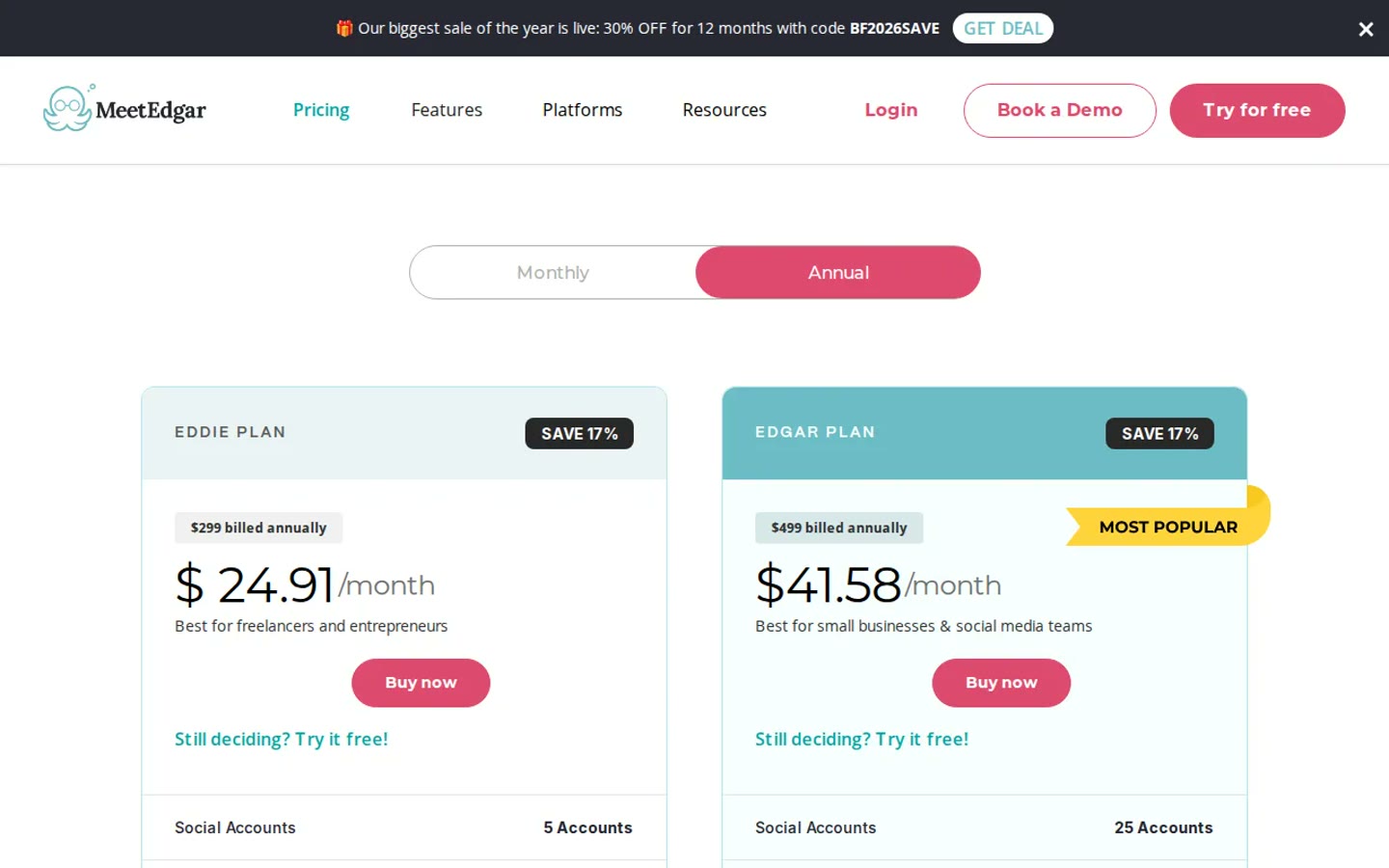
| MeetEdgar | No, 30-day trial | $24.91 a month | Recycling a library on a weekly timetable | No approvals at all |
| Zapier | Yes, 100 tasks | $19.99 a month | Connecting apps | Can't post to X, TikTok or Threads |
| Make | Yes, 1,000 credits | $9 a month | Long flows for less | Can't post to X, TikTok or Threads |
| n8n | Self-hosted only | $20 a month | X and LinkedIn, or free on your server | No Instagram block |
| IFTTT | Yes, 1,000 credits | $2.09 a month | Simple one-step flows | Can't post to Instagram |
Prices are per month, billed yearly, except SocialBee's: its own pages give three different yearly prices.
#What each one does on its own
The same rule for every row. Queue: weekly slots new posts drop into. Recycling: an old post or a list of posts comes back on its own. Feeds: a new blog post becomes a post with no click. Reply rules: rules that send a reply on their own. Comment-to-DM: a comment sends the person a DM.
| Tool | Queue | Recycling | Feeds | Reply rules | Comment-to-DM |
|---|---|---|---|---|---|
| Pozy | All plans | All plans | Through Zapier, Make or n8n | All plans | Instagram, Facebook |
| Buffer | All plans | In beta | Needs a click | No | No |
| SocialBee | All plans | All plans | All plans | No | No |
| Metricool | All plans | All plans | All plans | Paid add-on | Instagram, paid add-on |
| SocialPilot | All plans | One post, up to 10 times | All plans | From $42.50 | Instagram, from $42.50 |
| ContentStudio | From $49 | A library from $49; repeat posts all plans | From $49 | From $49 | No |
| Publer | All plans | From $8 an account | From $4 an account | No | No |
| RecurPost | All plans | All plans | Needs a click | No | Instagram, all plans |
| Sendible | All plans | All plans | All plans | No | No |
| Vista Social | All plans | No | Not stated | All plans | Instagram, all plans |
| Hootsuite | No | No | No | From $199 a user | Instagram, from $199 a user |
| Sprout Social | All plans | No | From $299 a seat | From $399 a seat | No |
| Agorapulse | From $149 a user | From $149 a user | No | No | No |
| Statusbrew | All plans | No | Needs a click | All plans, by its help center | Instagram, Facebook, by its help center |
| NapoleonCat | No | No | No | $119 plan | Instagram, Facebook, $119 plan |
| Zoho Social | From $30 | From $30 | Needs a click | Plan not stated | Plan not stated |
| Planable | Plan not stated | Repeat posts, all plans | No | No | No |
| Loomly | No | Repeat posts, all plans | Its pages disagree | All plans | Not stated |
| Later | All plans | No | No | No | No |
| MeetEdgar | All plans | All plans | All plans | No | No |
On TikTok, Threads, LinkedIn and YouTube, Pozy's comment-to-DM replies in public only. It doesn't run on X.
Two more jobs:
- Spreadsheet uploads (a month of posts from one file): Pozy, Buffer, Hootsuite, Vista Social, Sendible, RecurPost, Statusbrew and MeetEdgar on every plan. Publer from Professional, Zoho Social from Professional, Loomly on Starter, SocialBee from Accelerate, Sprout Social from Professional, ContentStudio and Agorapulse from Advanced, SocialPilot from Premium. Metricool has it, plan not stated. Not on Later, Planable or NapoleonCat.
- Posting at the best time on its own: Sprout Social (every plan), Vista Social (every plan), Publer (Business), Zoho Social (Premium), Metricool (Advanced). Sendible and Statusbrew: their pages disagree. Pozy and most of the others show you the best times and you set the slots. MeetEdgar and NapoleonCat have no best-time feature.
#What 2 setups cost
Two setups, billed yearly, before tax:
- A creator: 1 person, 5 accounts (Instagram, TikTok, Facebook, LinkedIn, YouTube), with a queue and recycling.
- A small team: 3 people, 10 accounts, one inbox with Instagram comments and DMs, and approvals.
| Tool | A creator | A small team |
|---|---|---|
| Pozy | $23 (Standard) | $31 (Team) |
| Buffer | $25 | $100, but no Instagram DMs |
| SocialBee | $24.20 or $29 (its pages disagree), $14.50 with code SOCIALBEEBF26 until 1 Dec | $57.47 or $65.67, $41.17 with the code |
| Metricool | $20 | $53, plus $12 for comment-to-DM |
| SocialPilot | $25.50, $21 on sale | $42.50, $35 on sale |
| ContentStudio | $49, $42 on sale | $59 |
| Publer | $28 (Business, for recycling) | $32, but no DMs |
| RecurPost | $20.83 | $65.83 |
| Sendible | $30 | $84 |
| Vista Social | $80, no recycling | $160 |
| Hootsuite | $99, no queue or recycling | $1,197 (3 users on Advanced) |
| Sprout Social | $79, no recycling | $897 (3 seats on Professional) |
| Agorapulse | $149 (Advanced, for the queue) | $357 (3 users on Professional) |
| Statusbrew | $69, no recycling | $229 (approvals start on Premium) |
| NapoleonCat | Breaks: no queue, no YouTube posting | $159, approvals plan not stated |
| Zoho Social | $30 | $40 for 1 brand, $59.50 for 2 |
| Planable | $49, $39.20 on sale | $56.50 with the inbox, $45.20 on sale |
| Loomly | $49, no timetable queue | $49 (3 users is its limit) |
| Later | $18.75, no recycling | $41.25 with a third user |
| MeetEdgar | $24.91, 10 automated posts a week | $41.58, but no approvals |
Sale prices: SocialPilot for new customers in the USA, UK, Canada, EU and Australia, first year, until 4 December by its blog. ContentStudio until 28 November. Planable for new customers, until 4 December. SocialBee with its code, until 1 December.
Without a sale, the creator setup is cheapest on Metricool ($20), RecurPost ($20.83) and Pozy ($23). SocialBee's sale (code SOCIALBEEBF26) brings it to $14.50 until 1 December, and SocialPilot's to $21 for new customers in the first year, until 4 December. For the small team, Pozy is $31, Zoho Social $40 and Later $41.25 before sales. Later's Black Friday code shows Growth at $25 on its cards, its own estimate, for new customers. It doesn't say whether the extra user gets the cut.
#The 24 best social media automation tools
Tools 1 to 20 post, schedule and reply. Tools 21 to 24 connect apps to each other.
#1. Pozy

Pros: Claude or ChatGPT posts, schedules and answers comments and DMs for you. Comment-to-DM, weekly queues, recycling, spreadsheet uploads, first comments (a comment posted under your post on its own) and approvals are on every plan. Workflows (automatic conversations) answer DMs with a keyword on 6 networks.
Cons: No built-in blog feed: you connect one through Zapier, Make or n8n. No free plan. The AI acts when you ask it; it doesn't work on its own all night. X posts cost extra, at X's own price.
For who: Creators and small teams who want their AI to do the posting and replies, and a link sent to every commenter.
Pricing (checked 22 Nov 2026 on pozy.ai/pricing): Standard is $29 a month, or $23 billed yearly, for 5 channels and 1 person. Team is $39, or $31 yearly, for 10 channels and unlimited people. Pro is $49, or $39 yearly, for 30. Ultimate is $99, or $79 yearly, for 100. Every feature on every plan, no limit on posts. 7-day free trial, card required.
What runs on its own once you switch it on:
- Comment-to-DM. Someone comments a word, and Pozy sends the link in a DM, with a public reply under the comment (how it works). Our 464 DMs above went out this way. A full case study with its numbers: Instagram DM automation.
- Recycling. Turn it on for a post and choose how often it comes back (recycling). We haven't used it yet: none of the 83 posts in our workspace from 1 to 21 November has it on.
- Workflows. A conversation you draw once: greet, ask, send a link, tag, hand off to you. On Instagram, Facebook, WhatsApp, X, Bluesky and TikTok.
What your AI does when you ask: you add Pozy to Claude with one link (how), then ask. It posts, schedules, publishes Instagram trial Reels (shown to non-followers first), reads your numbers and answers the inbox. You choose read only, or read and act, when you connect it.
Try this in Claude once Pozy is connected:
Use Pozy for this. Set up comment-to-DM on my latest Instagram Reel. Keyword GUIDE, whole word only. Send this link with a button: [link]. Reply "Sent you a DM!" under the comment. Show me before turning it on.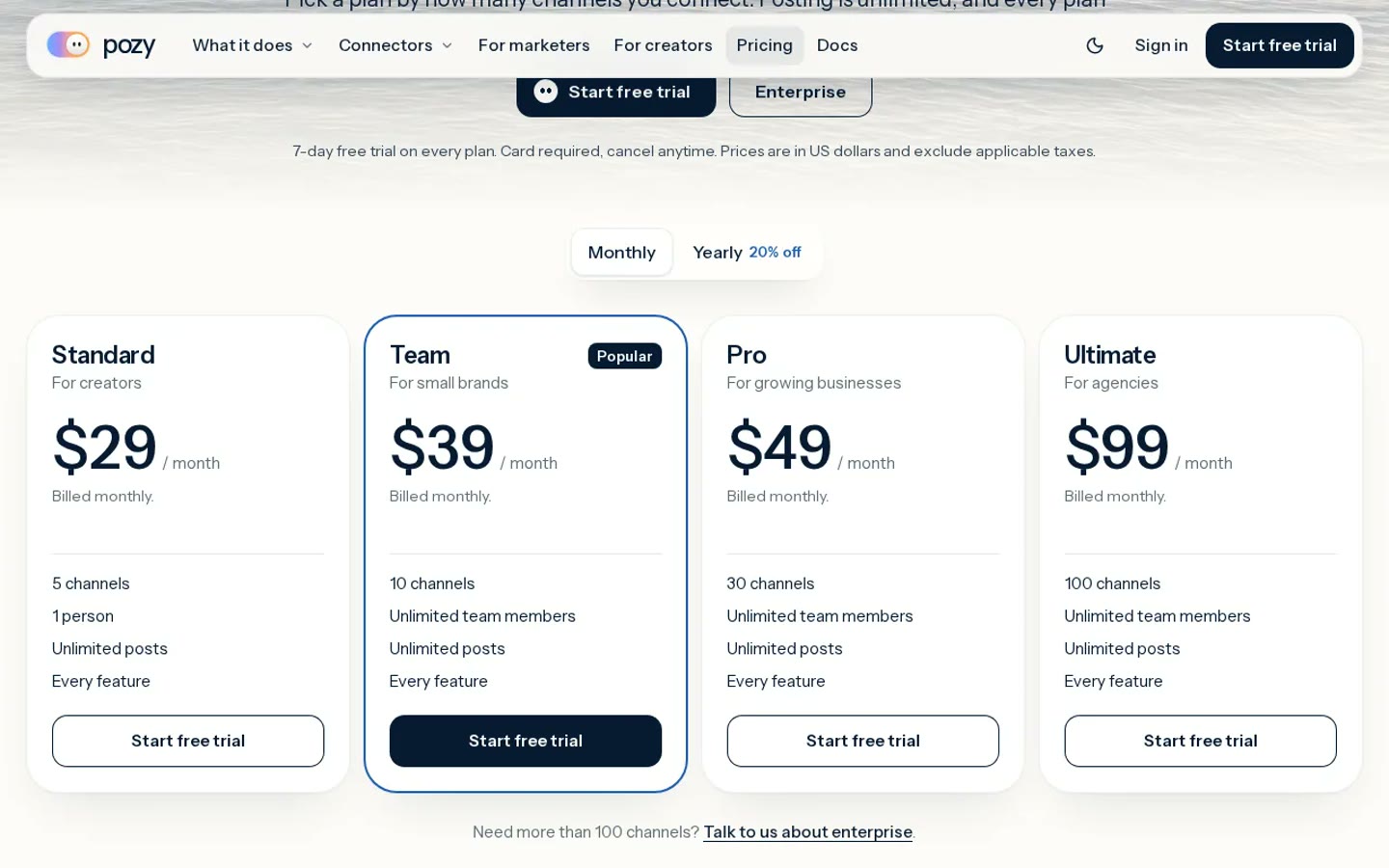
#2. Buffer
Pros: A queue with weekly slots on every plan, Free included. Spreadsheet uploads on every plan. Its AI connection is on every plan too: Claude can create, schedule, edit and delete posts and read your numbers.
Cons: Its inbox takes comments only, no DMs, and has no reply rules or comment-to-DM. A blog feed needs your click to post. Recycling is in beta.
For who: Solo creators who want a free queue and an AI that schedules.
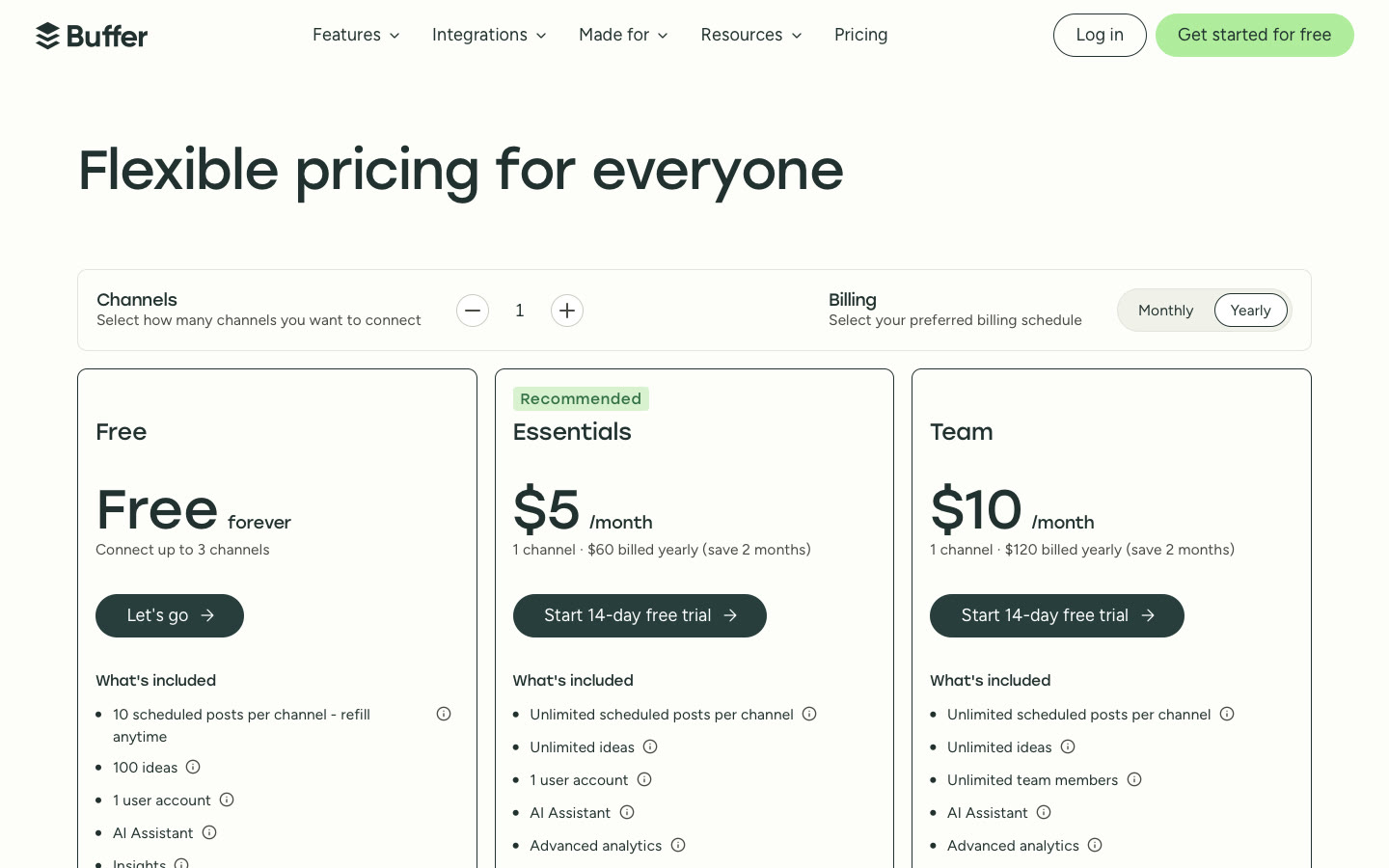
Pricing (checked 22 Nov 2026 on buffer.com/pricing): Free for 3 channels. Essentials is $5 a channel a month billed yearly ($6 monthly), for 1 user. Team is $10 a channel ($12), with unlimited people. 14-day trial on paid plans, no card.
#3. SocialBee
Pros: Recycling is its core: posts sit in categories, and each category can repeat on its own. Blog feeds post on their own, on every plan. Zapier and Make can create posts in it.
Cons: No auto-replies ("SocialBee doesn't currently have an auto-reply feature", its help center says), no comment-to-DM, no public API and no AI connection.
For who: Small businesses with a library of evergreen posts (posts that stay true for months) to keep in rotation.
Pricing (checked 22 Nov 2026 on socialbee.com/pricing): Bootstrap is $29 a month for 5 profiles and 1 user. Its yearly price shows three ways: $348 a year on the pricing page, $24.20 a month on the homepage, $290 a year in its FAQs. Accelerate is $49 a month (10 profiles), Pro $99 (25 profiles, 3 users). Black Friday: 50% off yearly or 70% off monthly with code SOCIALBEEBF26, until 1 December; the monthly deal is for new customers. 14-day trial, no card.
#4. Metricool
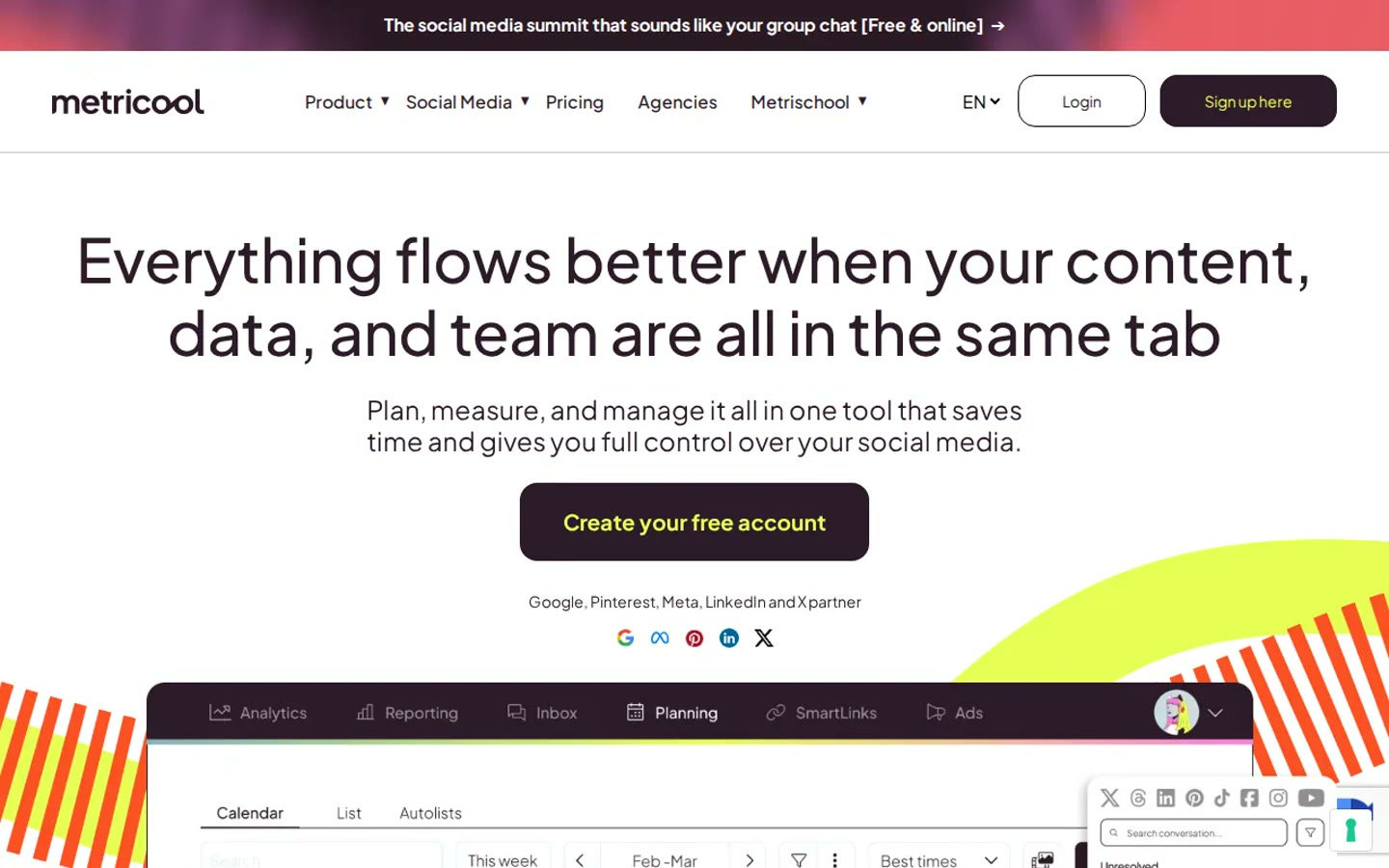
Pros: Its free plan has time slots, recycling ("Repeat") and blog feeds that post on their own. Its AI connection works on every plan, free included: Claude reads your numbers and creates or edits scheduled posts. Reports go out by email every month from Starter.
Cons: Comment-to-DM (Instagram only) and auto-replies need its Flows add-on, $12 a month per 2,500 runs. Not on Facebook; its pages disagree on X. Its AI connection can't touch the inbox. X is an add-on, $10 a month per account.
For who: Solo marketers who want the most automation for the least money.
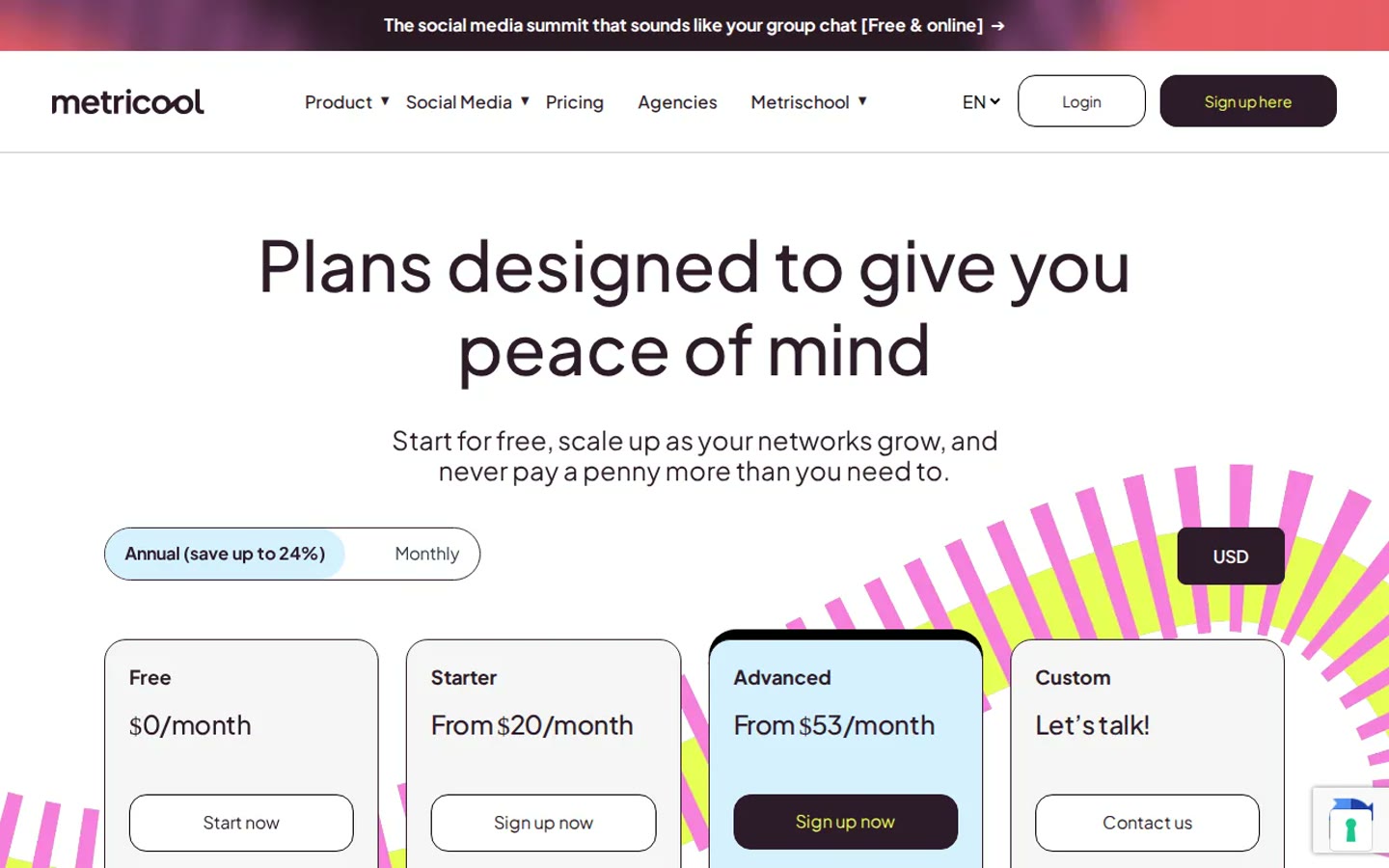
Pricing (checked 22 Nov 2026 on metricool.com/pricing): Free for 1 brand (no LinkedIn or X, 20 posts a month). Starter from $20 a month billed yearly ($25 monthly) for 5 brands. Advanced from $53 ($67) for 15 brands and unlimited people. Zapier, Make and its API start on Advanced.
#5. SocialPilot
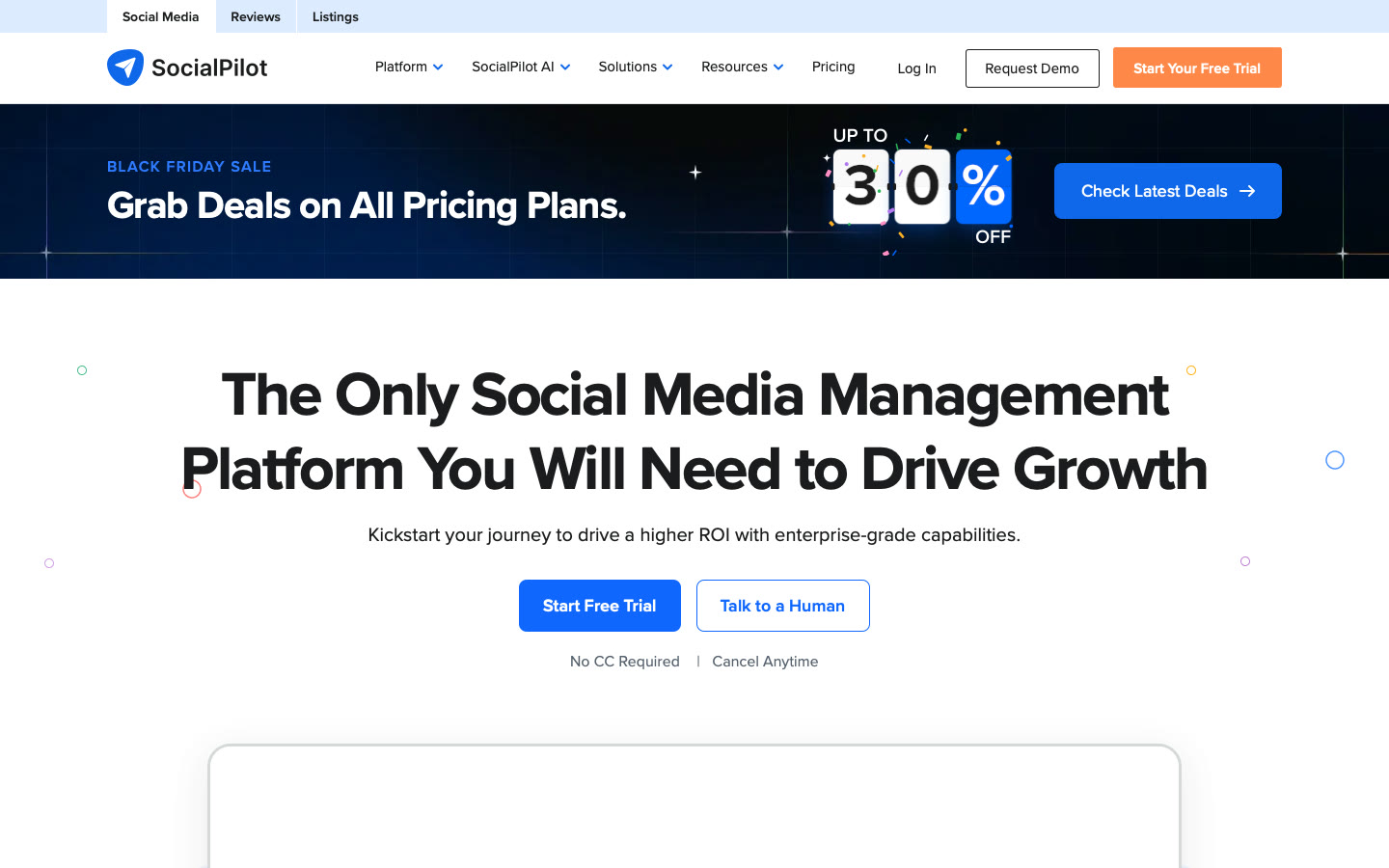
Pros: Keyword auto-replies to DMs and comments, with AI or your own text, from Standard. Instagram comment-to-DM from Standard. Blog feeds post on their own on every plan. Its AI connection is on every plan and can publish on the spot.
Cons: No recycling list: you can set one post to repeat, up to 10 times. Comment-to-DM is Instagram only. Its inbox covers Facebook, Instagram and LinkedIn pages only.
For who: Small agencies who want reply rules without paying Hootsuite prices.
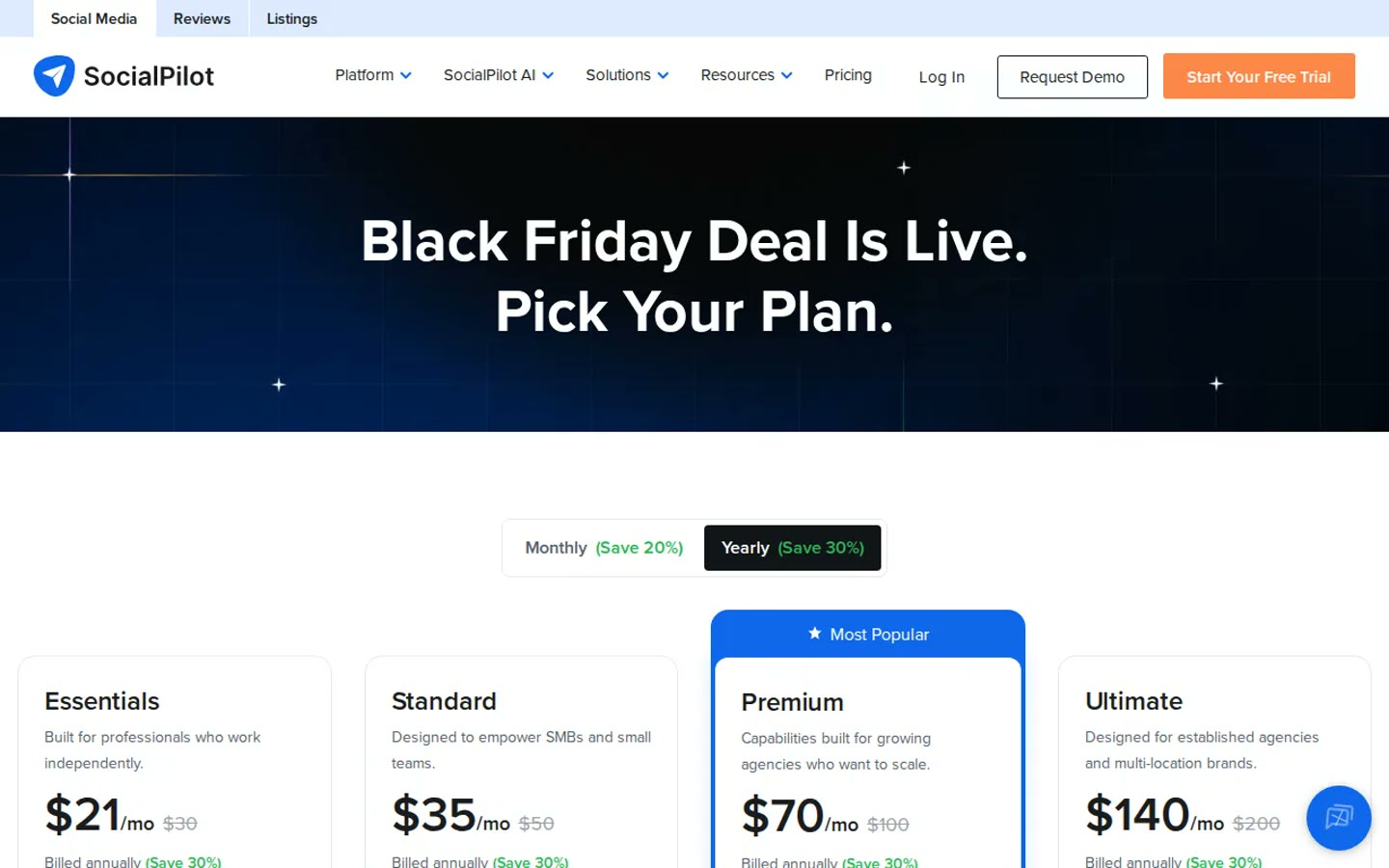
Pricing (checked 22 Nov 2026 on socialpilot.co/plans): Black Friday prices for new customers in the USA, UK, Canada, EU and Australia, billed yearly: Essentials $21 a month (regular $25.50), 7 accounts, 1 user. Standard $35 ($42.50), 15 accounts, 3 users. Premium $70, Ultimate $140. Its blog says the deal runs until 4 December. 14-day trial, no card.
#6. ContentStudio
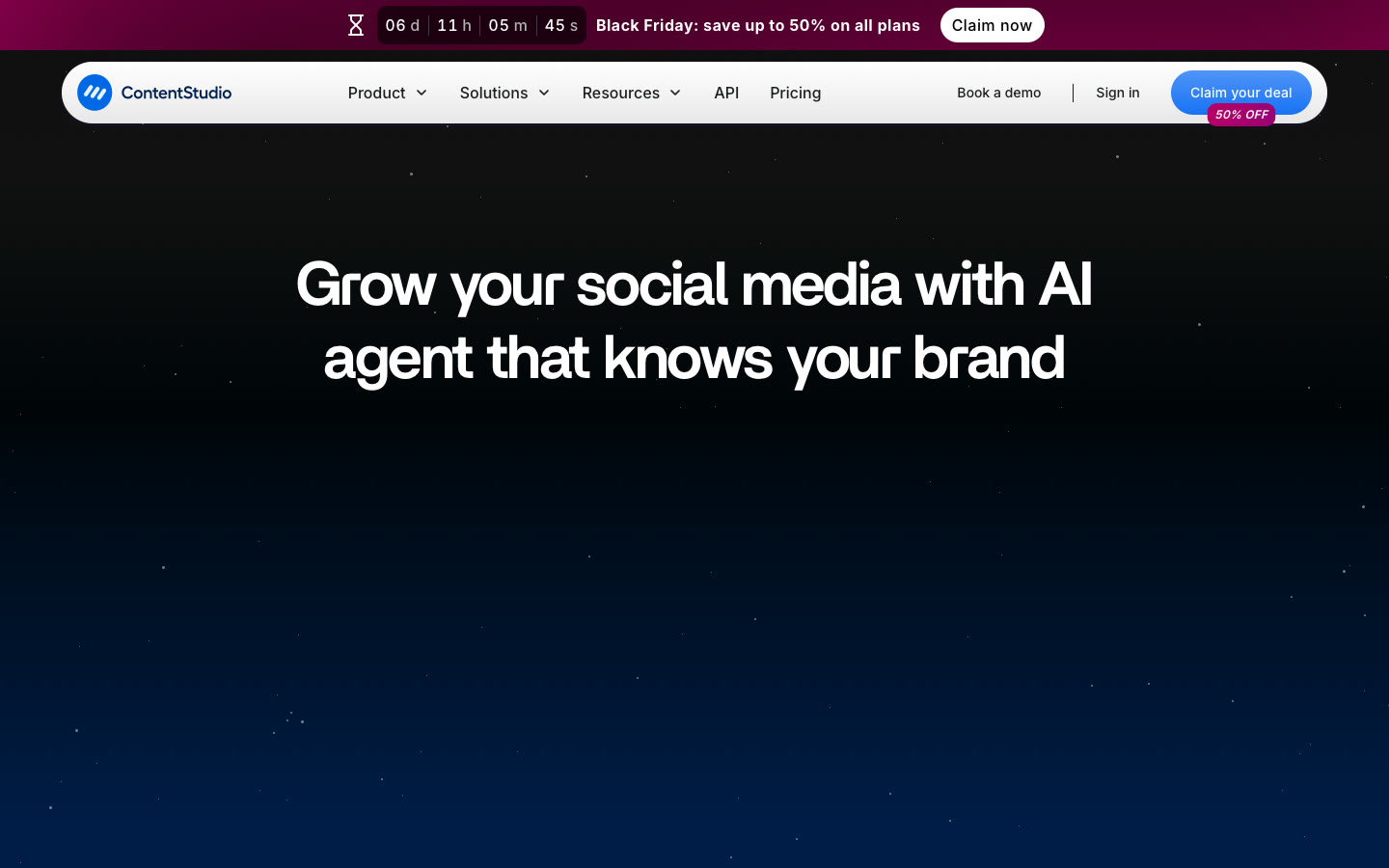
Pros: Its AI connection is on every plan, and it can read and reply to messages and comments (with the inbox, from Advanced). Recycling, blog feeds, spreadsheet uploads of 500 posts and keyword auto-replies to Facebook and Instagram DMs and to Facebook, Instagram, YouTube and LinkedIn comments start on Advanced. API on every plan.
Cons: Its first plan, at $19, has none of that automation. No comment-to-DM: its keyword rules answer the comment.
For who: Teams who want their AI to answer the inbox, on a budget.
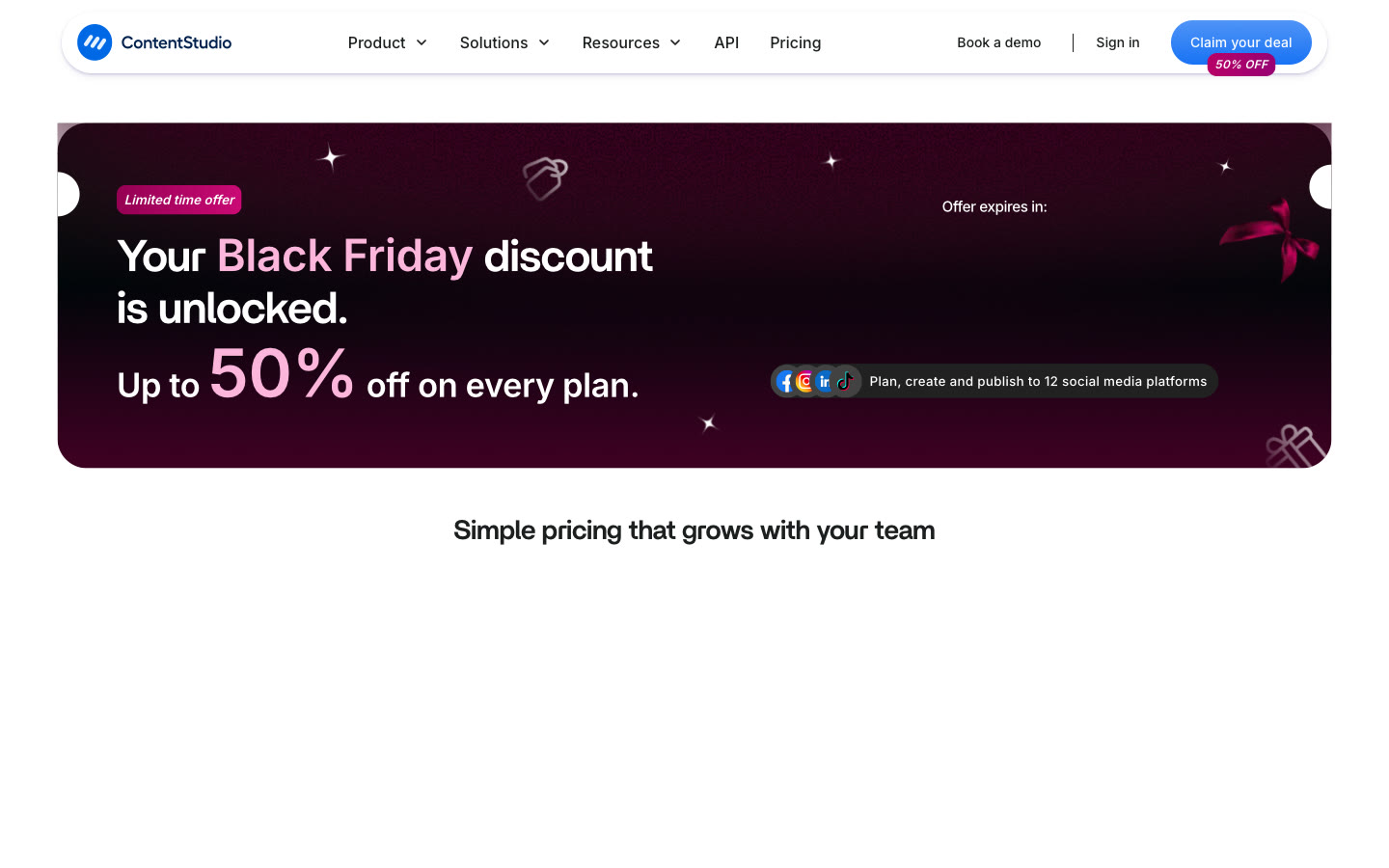
Pricing (checked 22 Nov 2026 on contentstudio.io/pricing): Standard is $19 a month billed yearly ($29 monthly), 5 accounts, 1 user. Advanced is $49 ($69), 10 accounts, 2 users, $42 yearly in its Black Friday sale. Agency Unlimited is $99, $69 on sale. The sale ends 28 November 2026; Standard and monthly prices get no cut. 7-day trial, no card.
#7. Publer
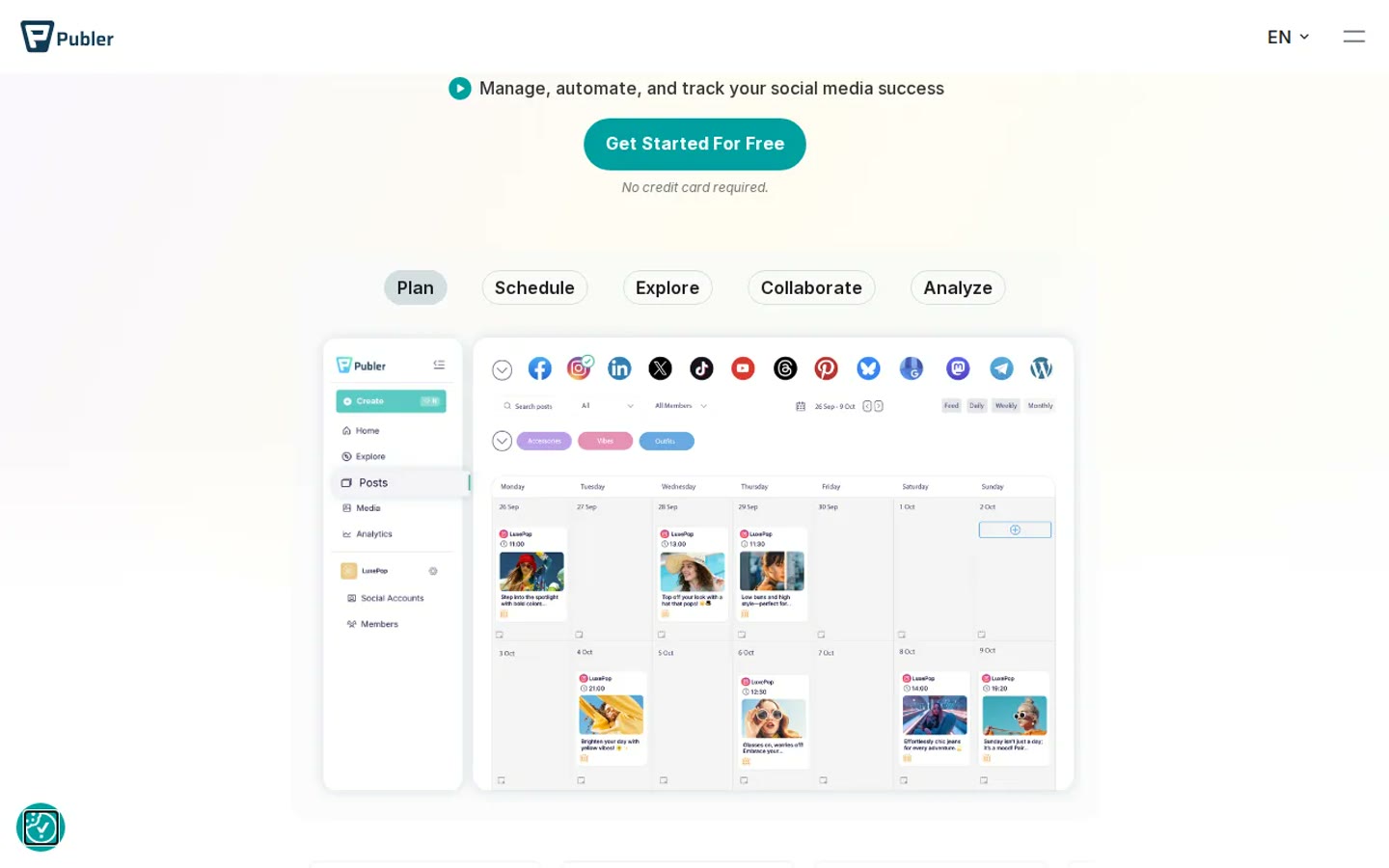
Pros: Priced per account, so a small setup is cheap. A queue even on Free. Blog feeds post on their own from Professional. Recycling and automatic best times on Business, with an AI connection that can schedule and publish.
Cons: No inbox and no DMs: Instagram comments only show per post in its calendar. No auto-replies, no comment-to-DM.
For who: People who only want posting on autopilot, for the lowest price per account.
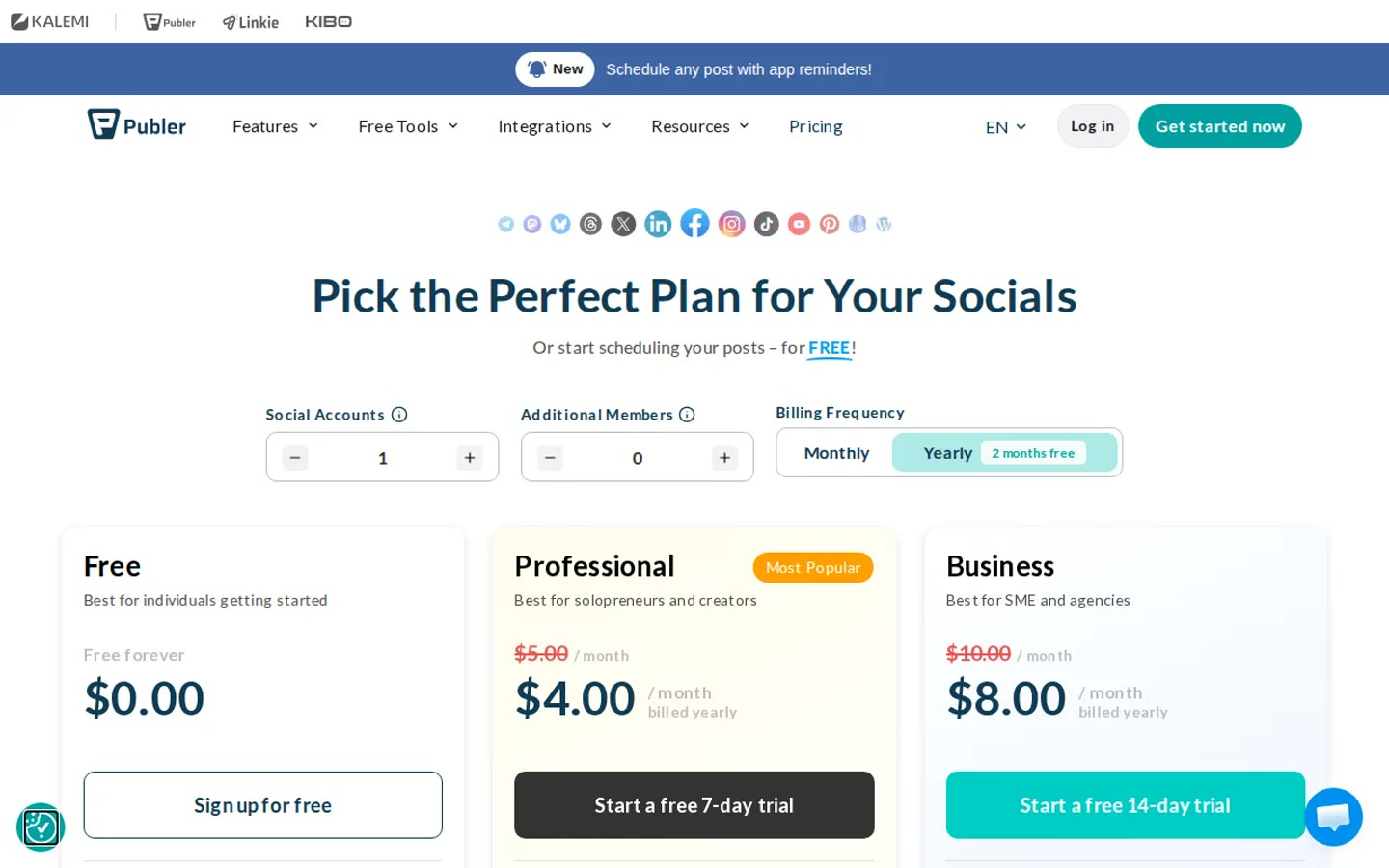
Pricing (checked 22 Nov 2026 on publer.com/plans): Free for 3 accounts (no X). Professional is $4 an account a month billed yearly ($5 monthly). Business is $8 ($10). 5 accounts on Business, for recycling: $28 a month. Its trial pages say no card; its help center mentions a $1 card check.
#8. RecurPost
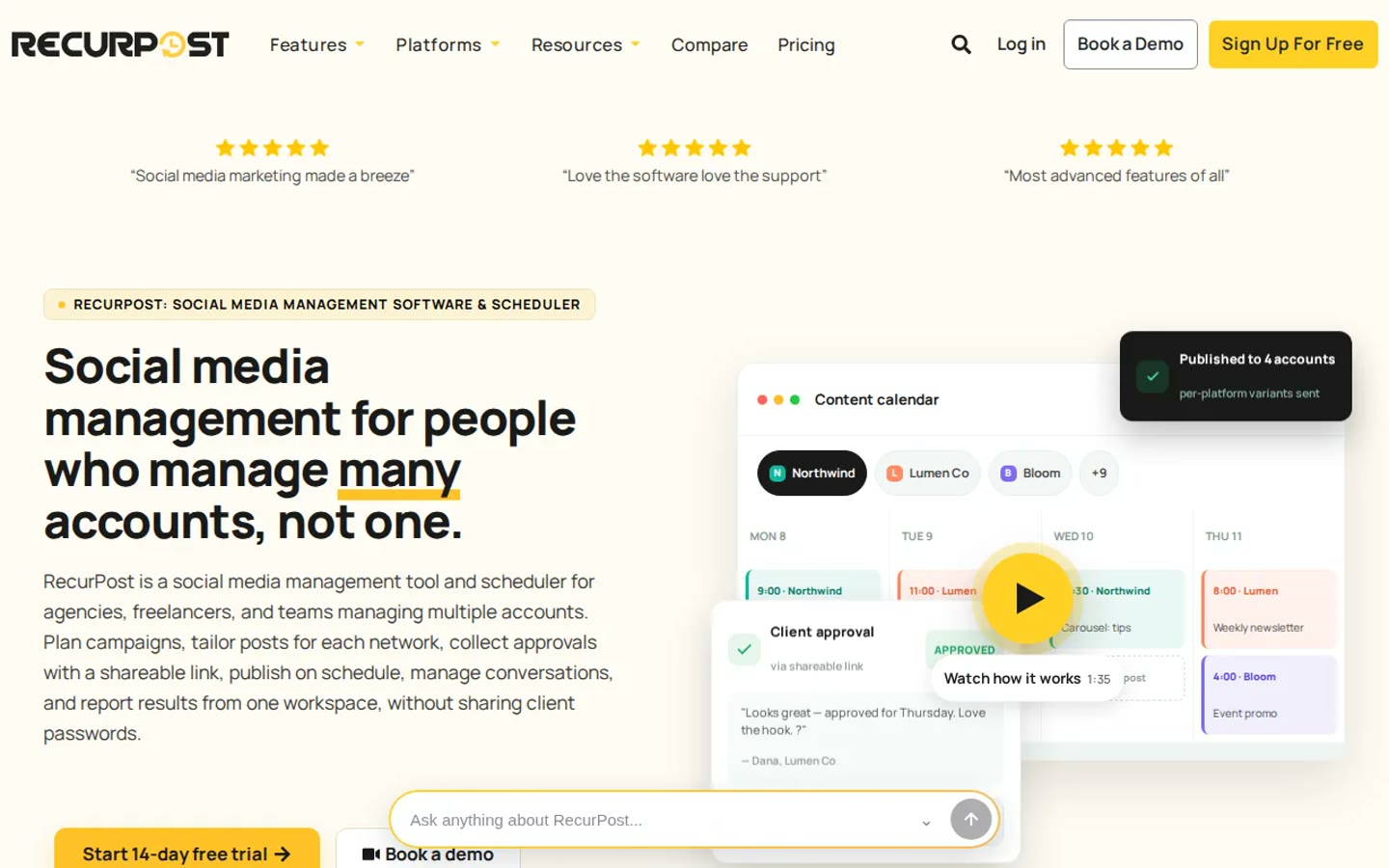
Pros: Recycling libraries (one-time, repeating, seasonal) on every plan. Instagram comment-to-DM on every plan. An n8n block and a Zapier app. Its AI connection runs on your own computer and can schedule, publish and fill the libraries.
Cons: Blog feed items wait for your approval. No reply rules. Its AI connection can't reply and needs a setup on your machine (no web link to paste). Approvals start on Agency.
For who: Solo marketers whose content is mostly evergreen.
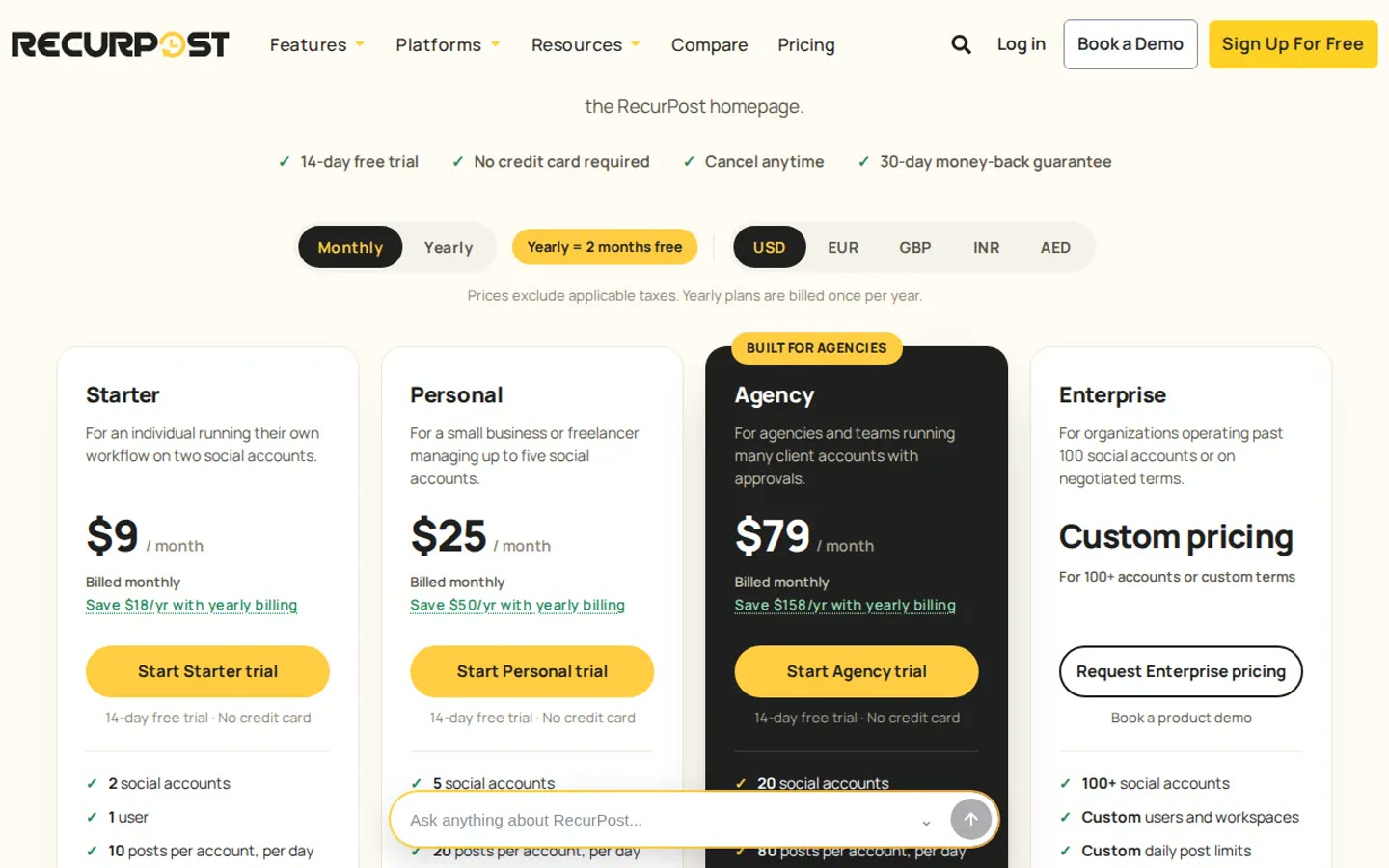
Pricing (checked 22 Nov 2026 on recurpost.com/pricing): Starter is $7.50 a month billed yearly ($9 monthly), 2 accounts. Personal is $20.83 ($25), 5 accounts. Agency is $65.83 ($79), 20 accounts, 3 users. No free plan. 14-day trial, no card.
#9. Sendible
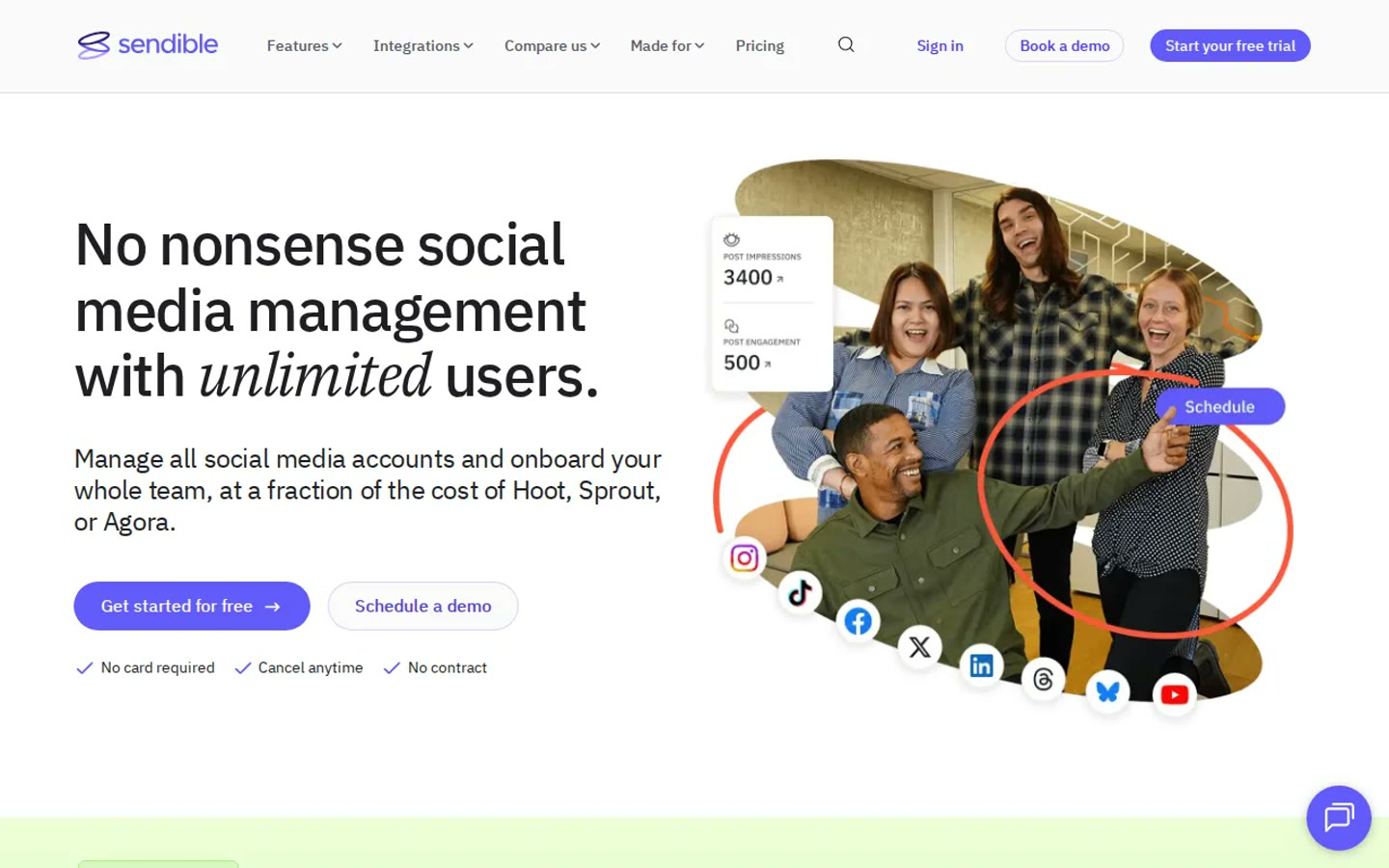
Pros: Queues, recycling ("Repeated content"), an automatic blog feed poster and spreadsheet uploads, all on its first plan. Unlimited users on every plan.
Cons: No auto-replies, no comment-to-DM, no API and no AI connection yet ("in the works", it says). No Pinterest.
For who: Teams who want posting automation and many logins for one price.
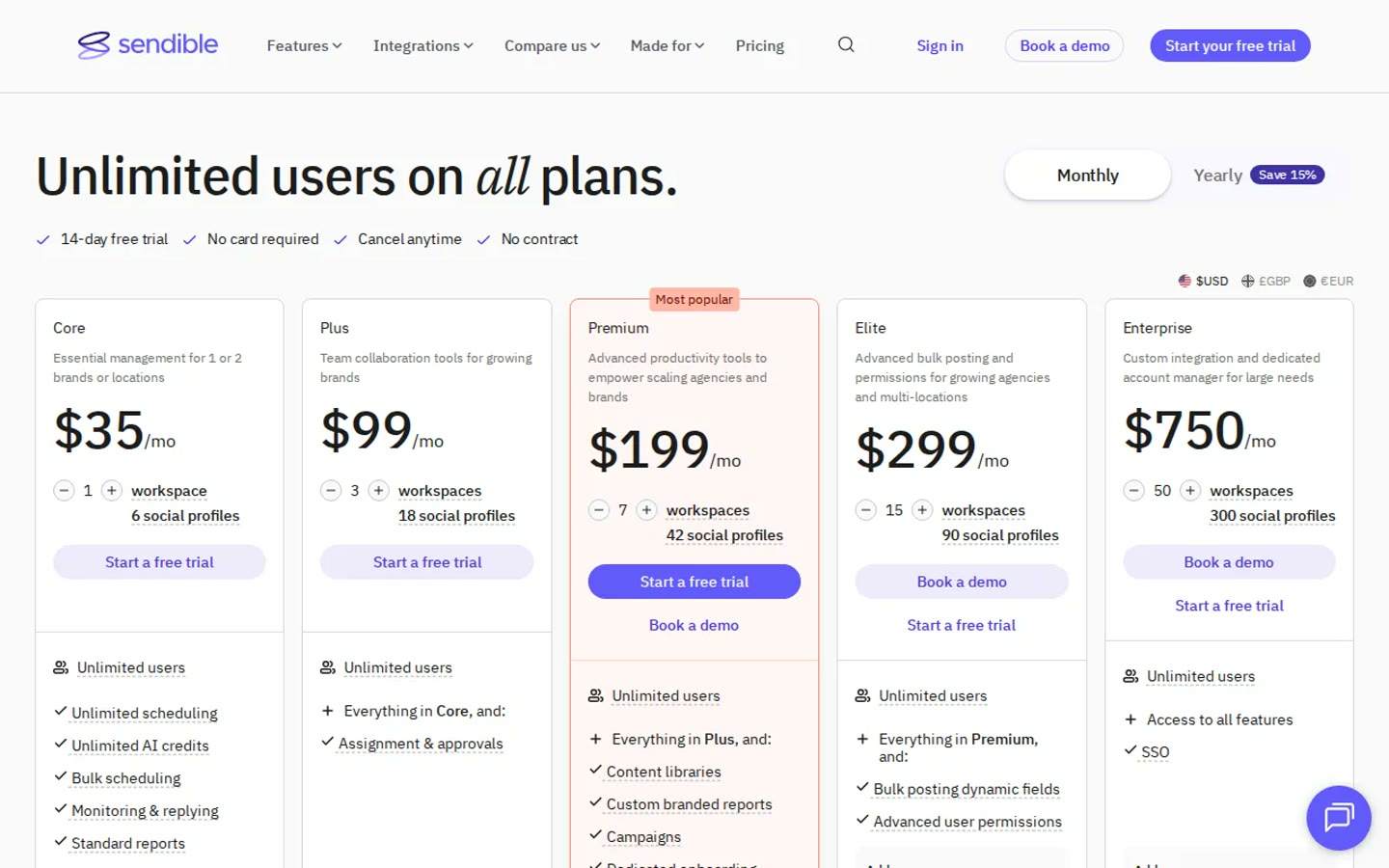
Pricing (checked 22 Nov 2026 on sendible.com/pricing): Core is $30 a month billed yearly ($35 monthly), 6 profiles. Plus is $84 ($99), 18 profiles. Its pages disagree on whether approvals start on Core or Plus. Premium $169, Elite $254. 14-day trial, no card.
#10. Vista Social
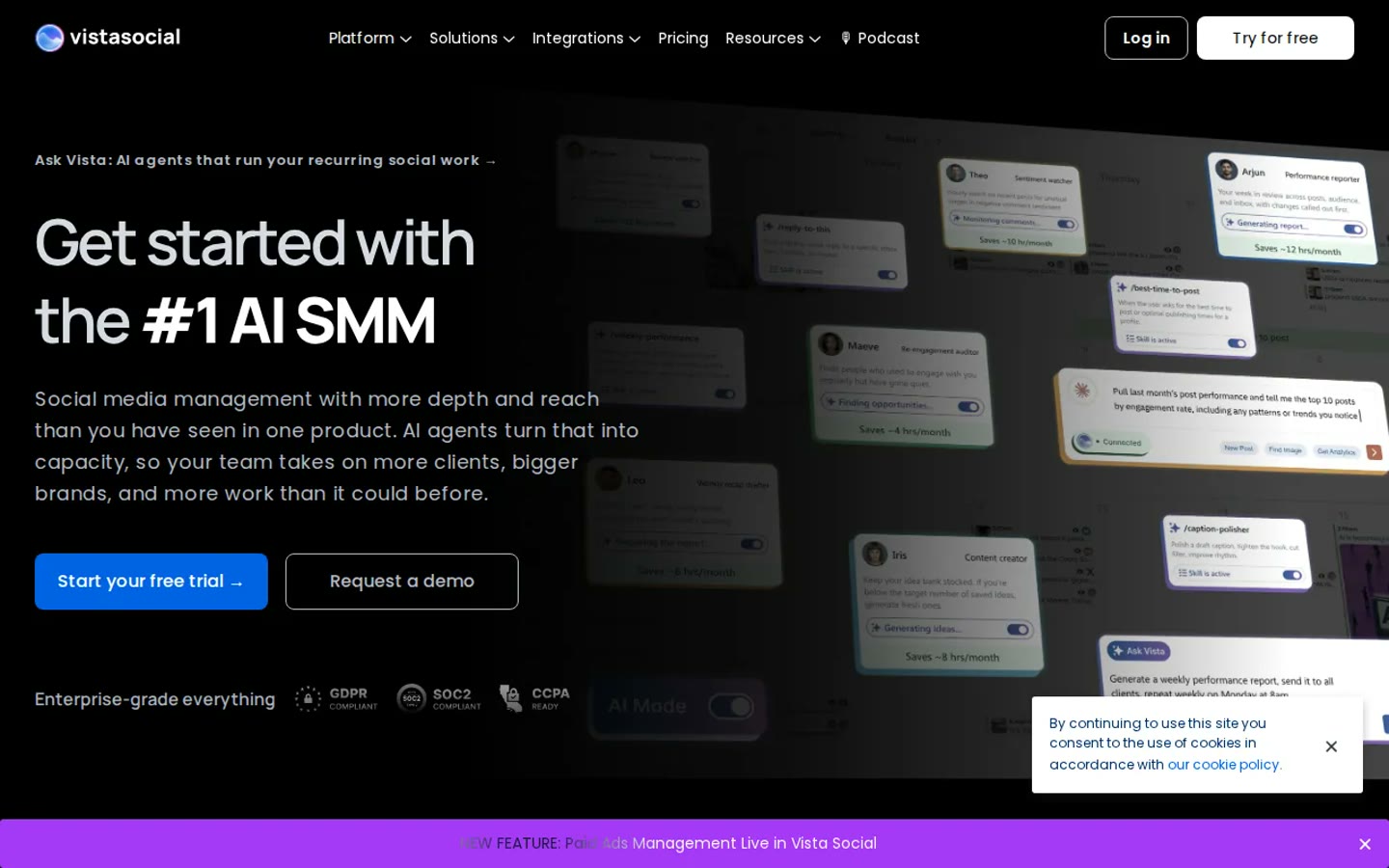
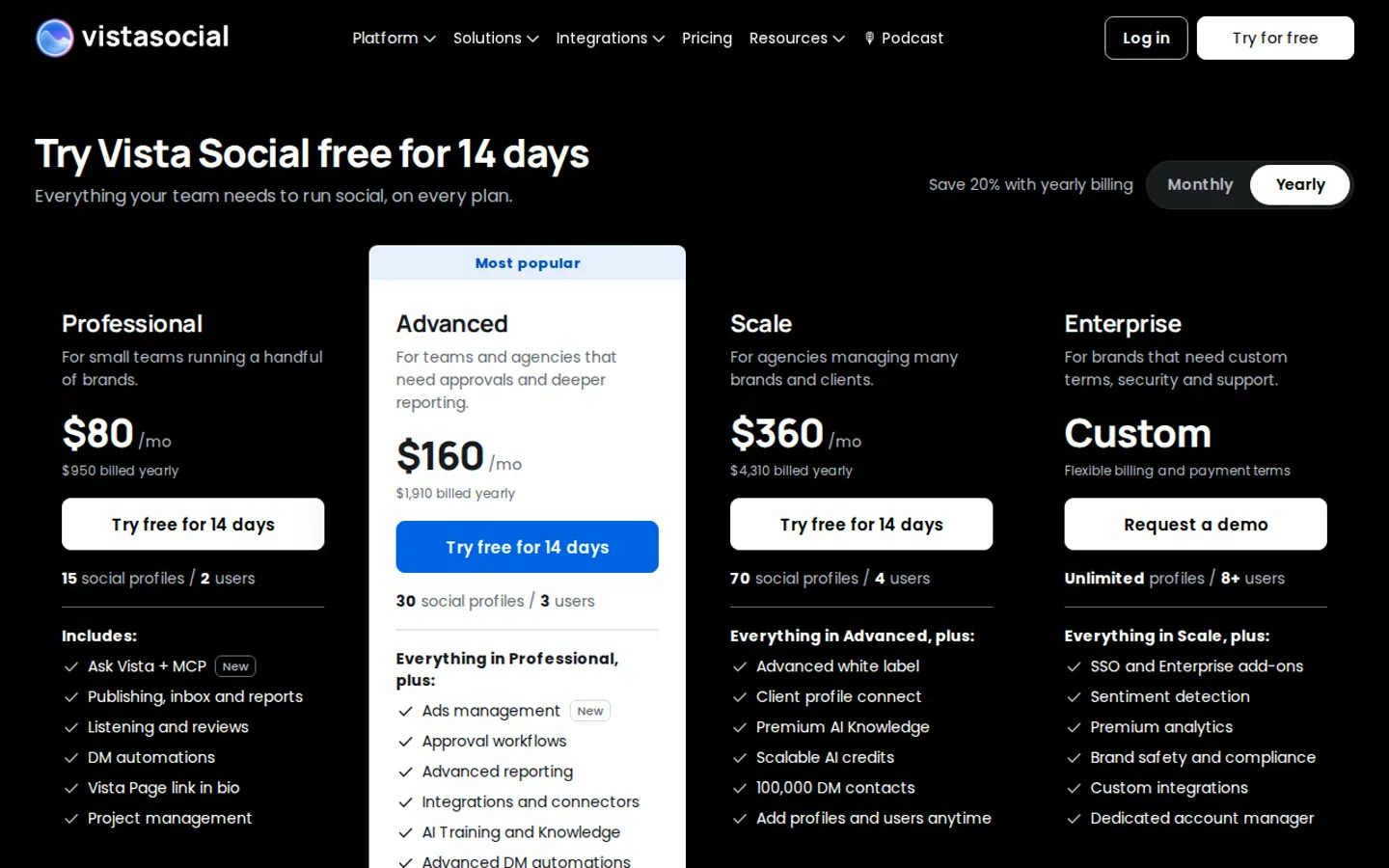
Pros: Keyword comment-to-DM and auto-replies on every plan. Smart scheduling at its best times. Reports by email on every plan. Its AI connection, on every paid plan, can schedule, draft replies, post them and approve posts.
Cons: No recycling. X costs $29 a month per profile. Zapier and Make start on Advanced, the API on Enterprise.
For who: Brands that get a lot of comments and DMs on Instagram.
Pricing (checked 22 Nov 2026 on vistasocial.com/pricing): Professional is $80 a month billed yearly ($99 monthly), 15 profiles, 2 users. Advanced is $160 ($199), 30 profiles, 3 users. Scale $360. 14-day trial, no card.
#11. Hootsuite
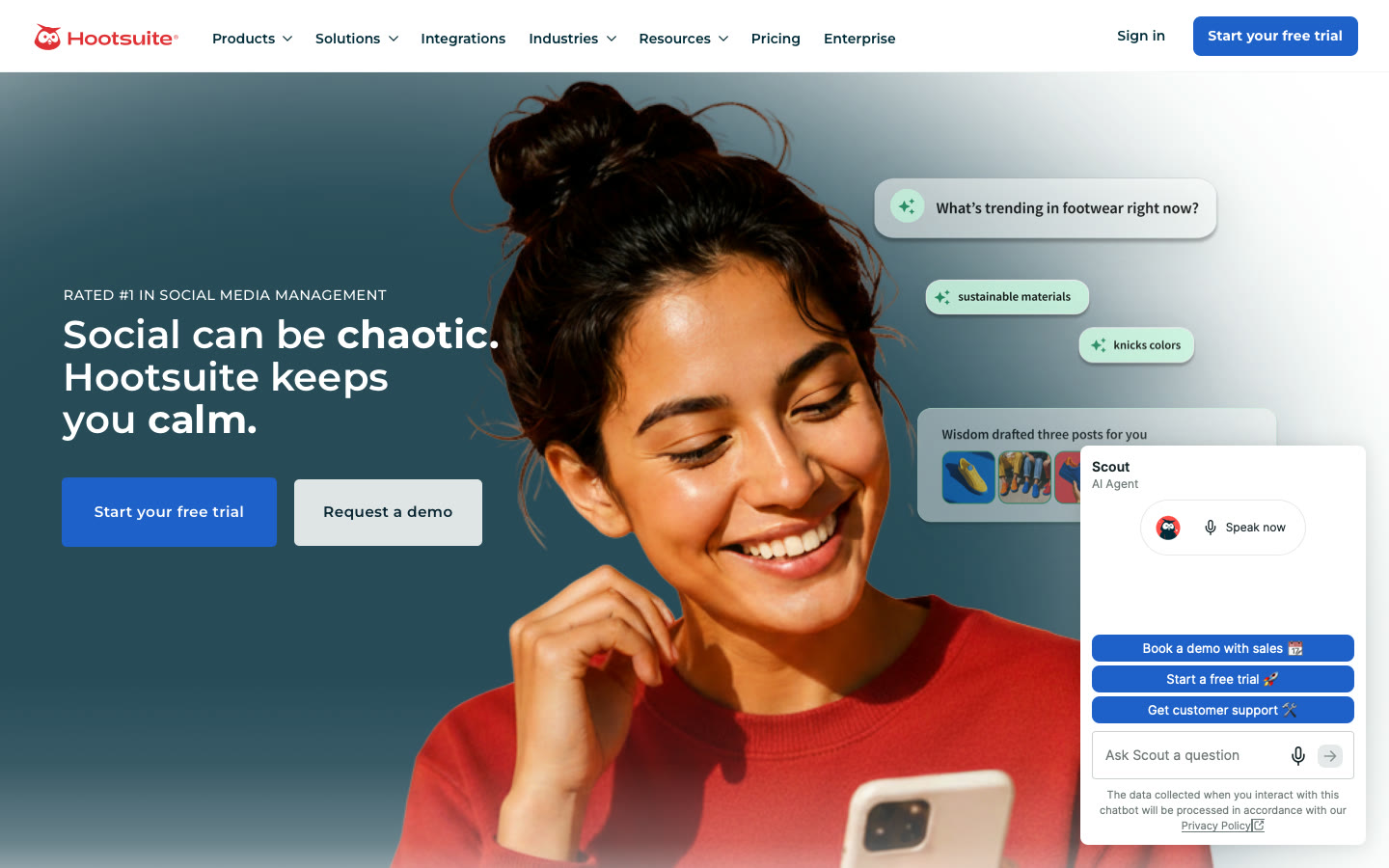
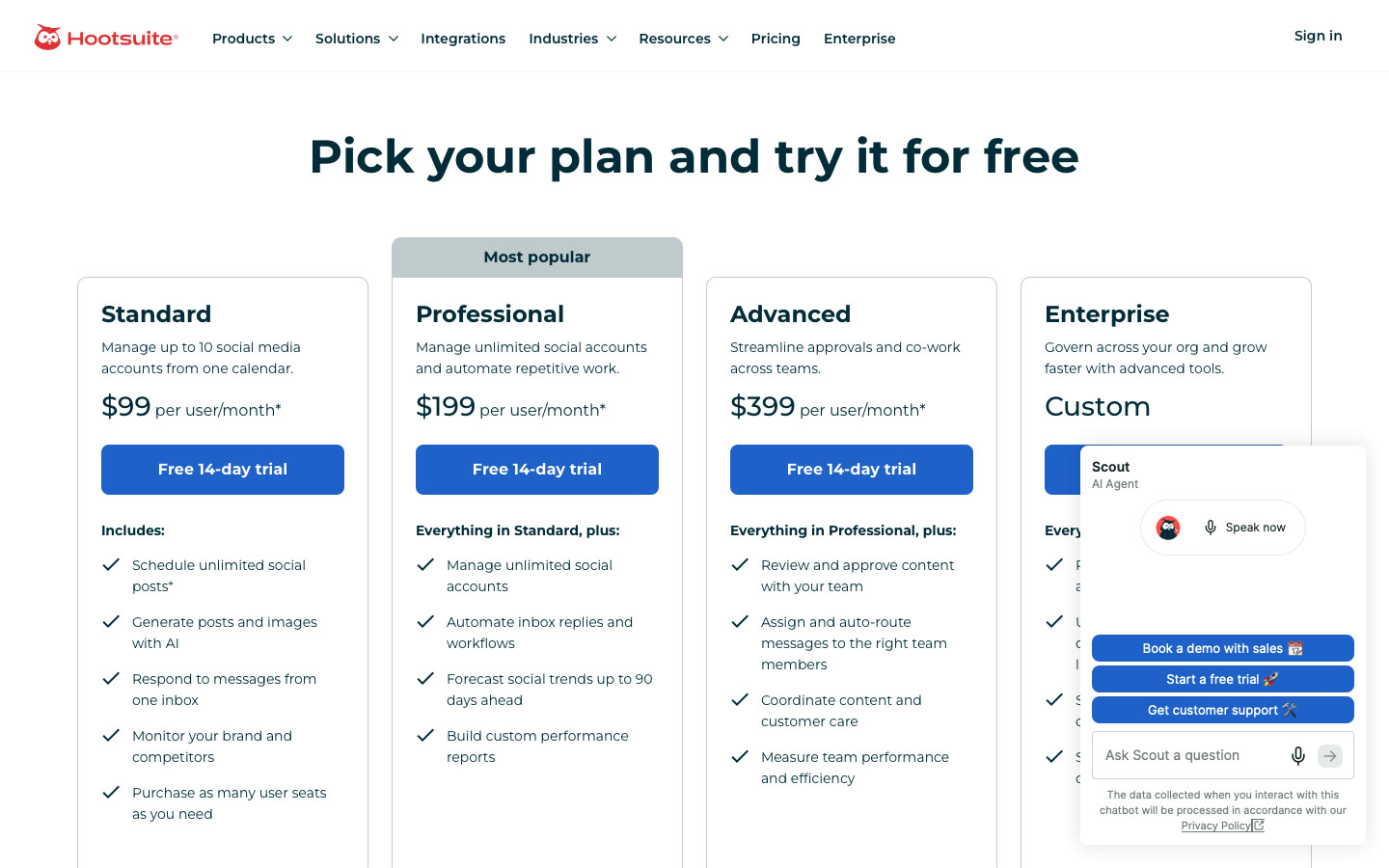
Pros: Inbox automation: replies by keyword and business hours, tags and auto-resolve from Professional, routing to the right teammate on Advanced. Instagram comment-to-DM from Professional. Spreadsheet uploads of 350 posts on every plan.
Cons: No queue, no recycling, no built-in blog feed. Its developer pages say its AI connection "does not publish" and "does not reply for you". Approvals start on Advanced, at $399 a user.
For who: Bigger teams whose inbox is the job.
Pricing (checked 22 Nov 2026 on hootsuite.com/plans): Standard is $99 a user a month billed yearly, 10 accounts. Professional is $199, Advanced $399 a user. Its Fall Sale ended on 20 November. 14-day trial.
#12. Sprout Social
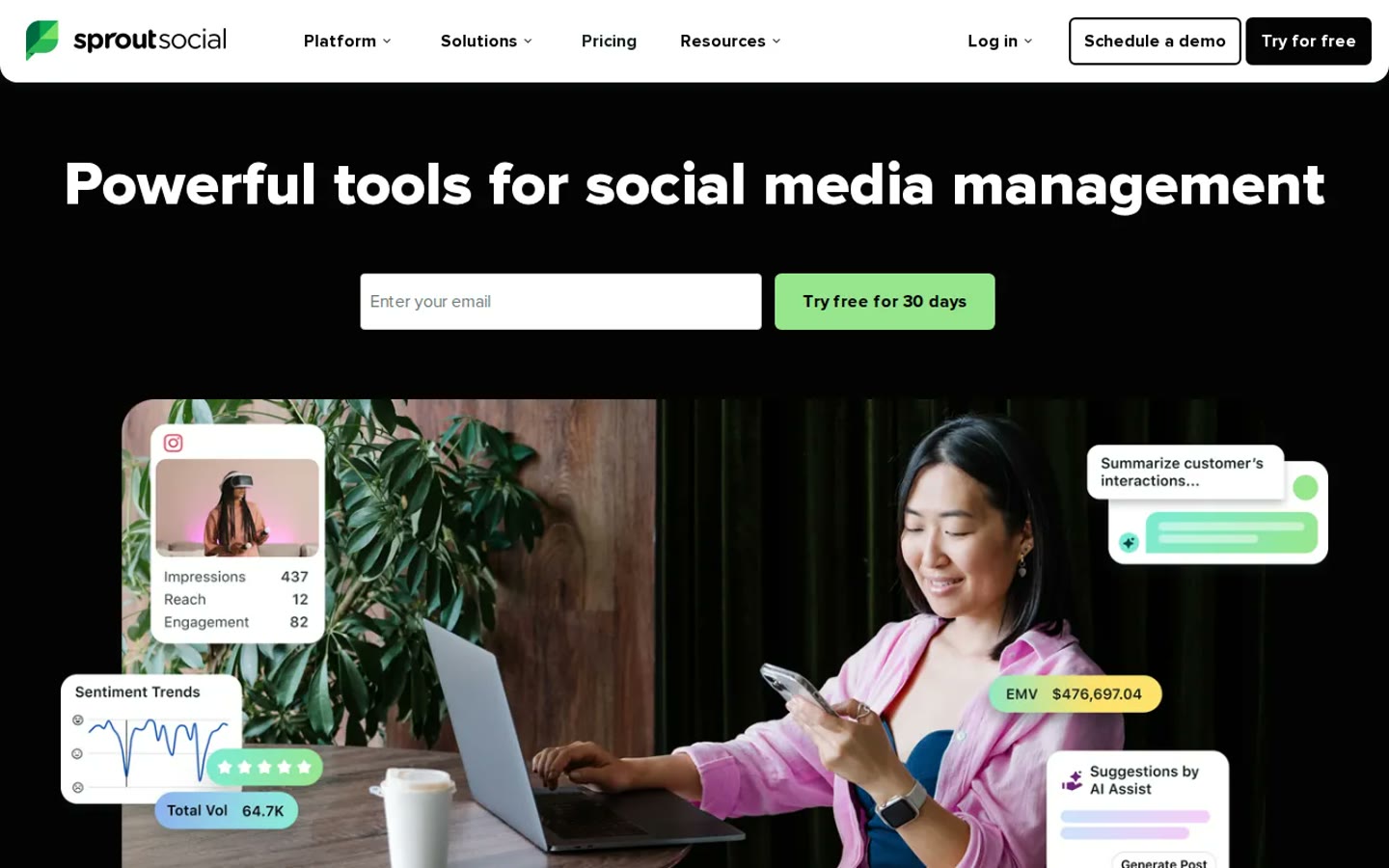
Pros: Its queue picks send times on its own (ViralPost), on every plan. Blog feeds post on their own from Professional (not to Instagram). Reply rules and DM chatbots on X, Facebook, Instagram and WhatsApp on Advanced.
Cons: No recycling, no comment-to-DM, no Zapier or Make. Its AI connection is ChatGPT only, reads TikTok numbers only and can't post. Its API makes drafts only, on Advanced.
For who: Large teams that pay per seat for reports and rules.
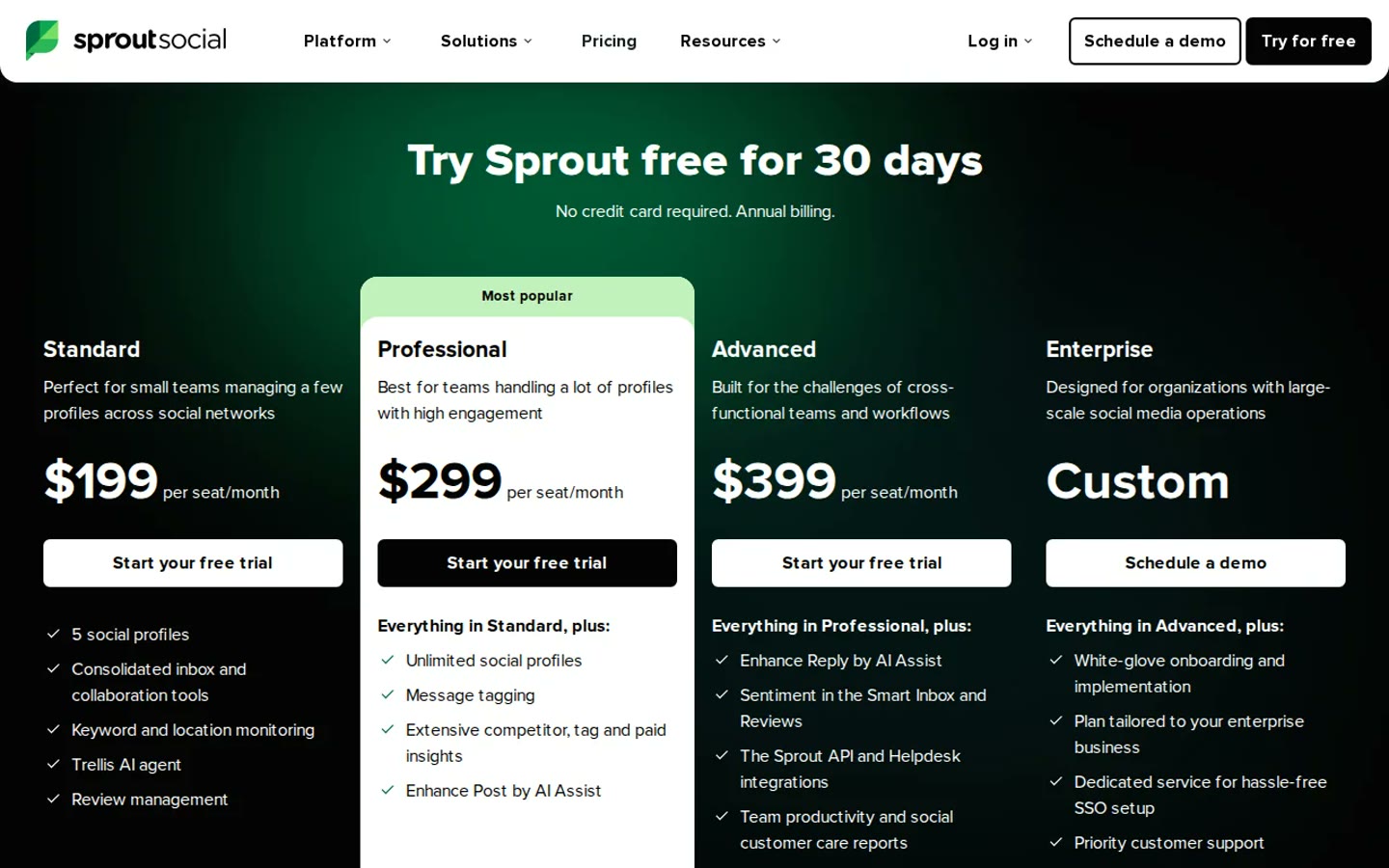
Pricing (checked 22 Nov 2026 on sproutsocial.com/pricing): Essentials is $79 a seat a month billed yearly ($99 monthly), 5 profiles. Standard $199, Professional $299, Advanced $399 a seat. 30-day trial, no card.
#13. Agorapulse
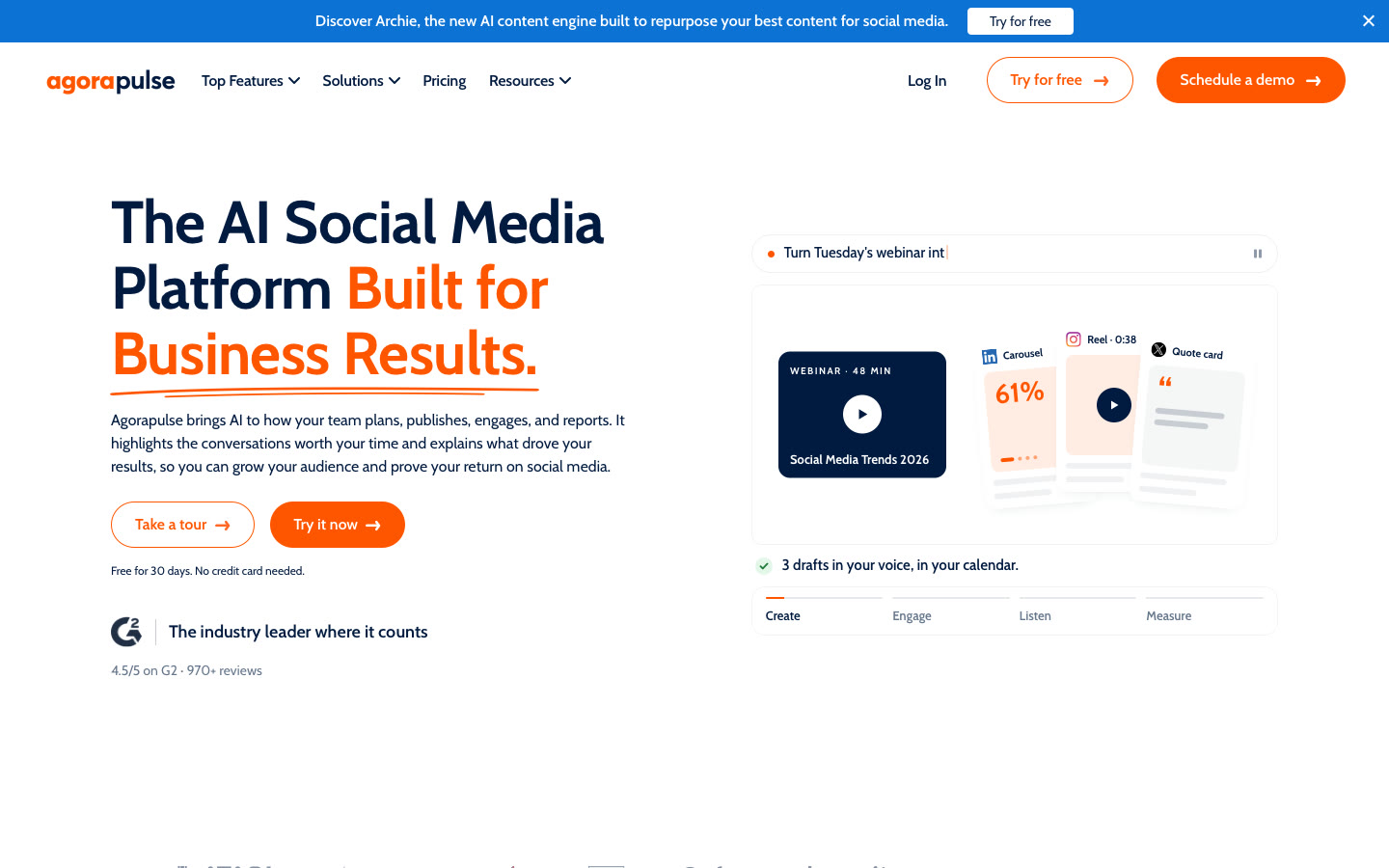
Pros: Its AI connection, on all current plans, can reply in public or in private on Facebook, Instagram and X, after your confirmation. Its pages disagree on whether it schedules posts or only makes drafts. Moderation rules review, assign, label, hide or delete.
Cons: Its rules don't send replies, and there's no comment-to-DM or blog feed. The queue, recycling, spreadsheet uploads and Zapier start on Advanced, at $149 a user.
For who: Teams who want Claude to work their inbox, with a person confirming.
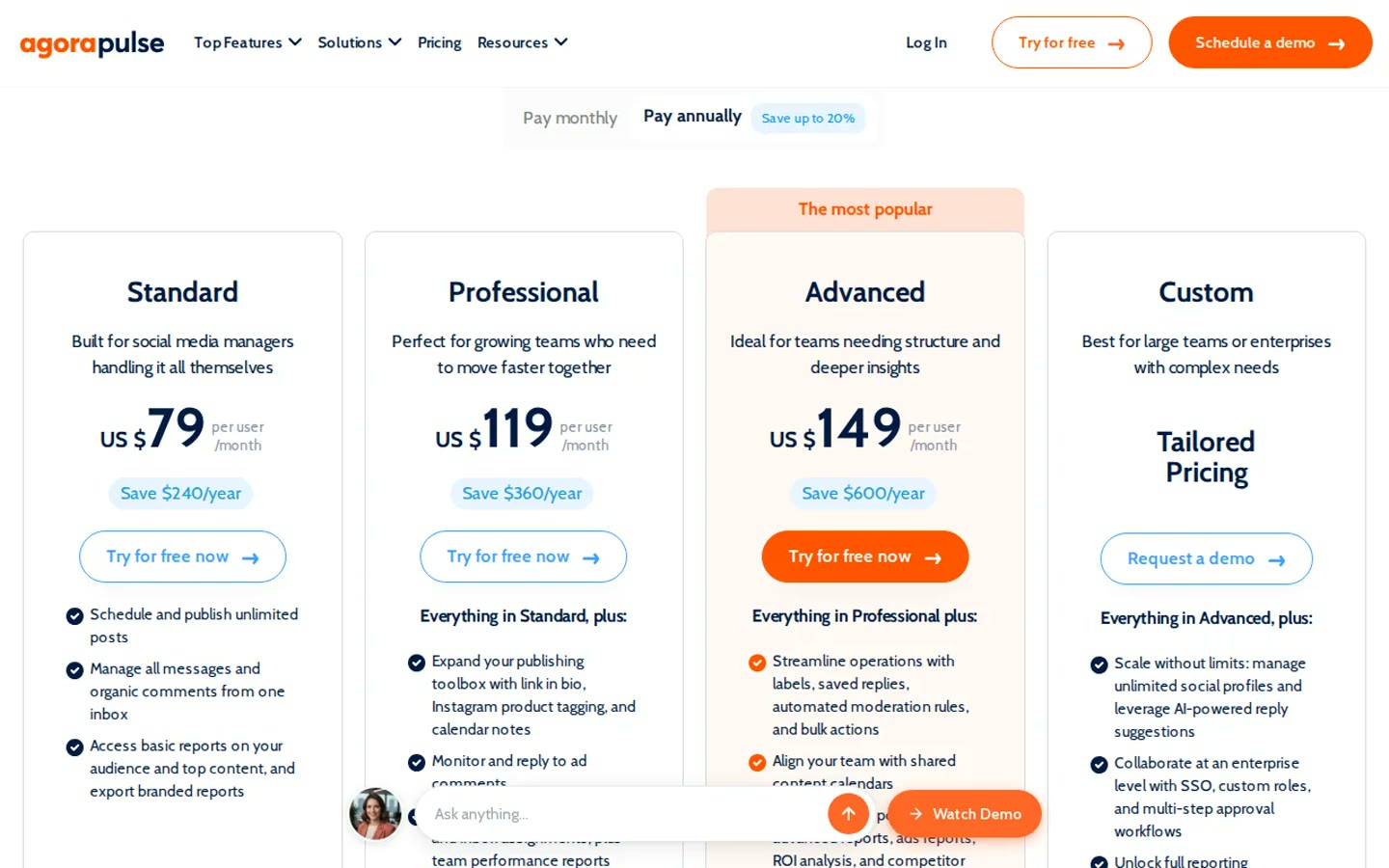
Pricing (checked 22 Nov 2026 on agorapulse.com/pricing): Standard is $79 a user a month billed yearly ($99 monthly), 10 profiles. Professional $119, Advanced $149 a user. Its free plan ended on 6 July 2026, its help center says, though its pricing FAQ still mentions it. 30-day trial, no card (its help center says two 15-day trials).
#14. Statusbrew
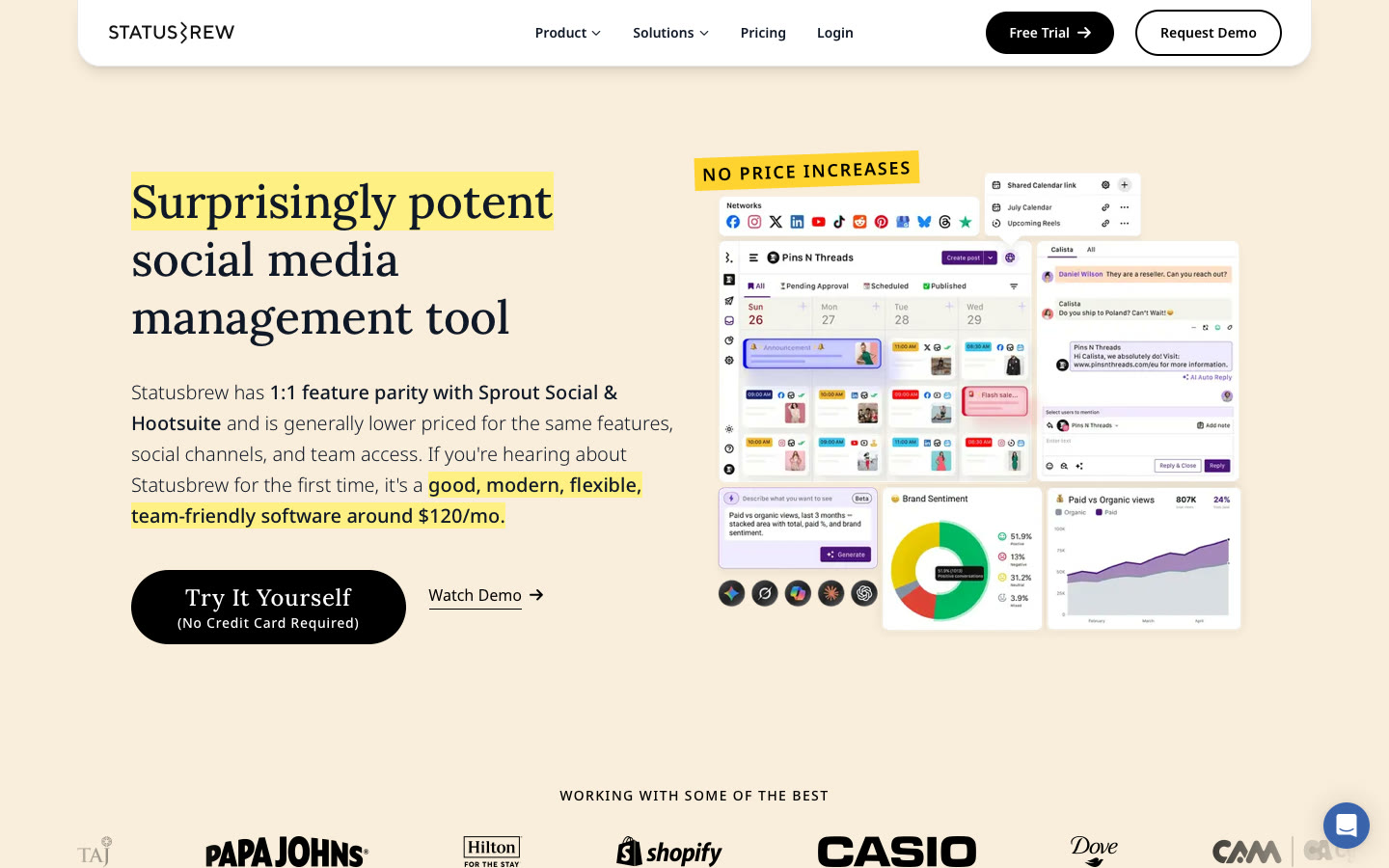
Pros: A rule engine for incoming comments and DMs: send a private message to people who comment on Facebook or Instagram, hide, delete, assign, tag. Its help center puts it on every plan. Spreadsheet uploads of 400 posts per profile.
Cons: No recycling. Blog feed items need your click. Its pricing page puts its AI connection on Enterprise, and every post it makes is saved as a draft.
For who: Brands that need comment moderation and comment-to-DM on both Facebook and Instagram.
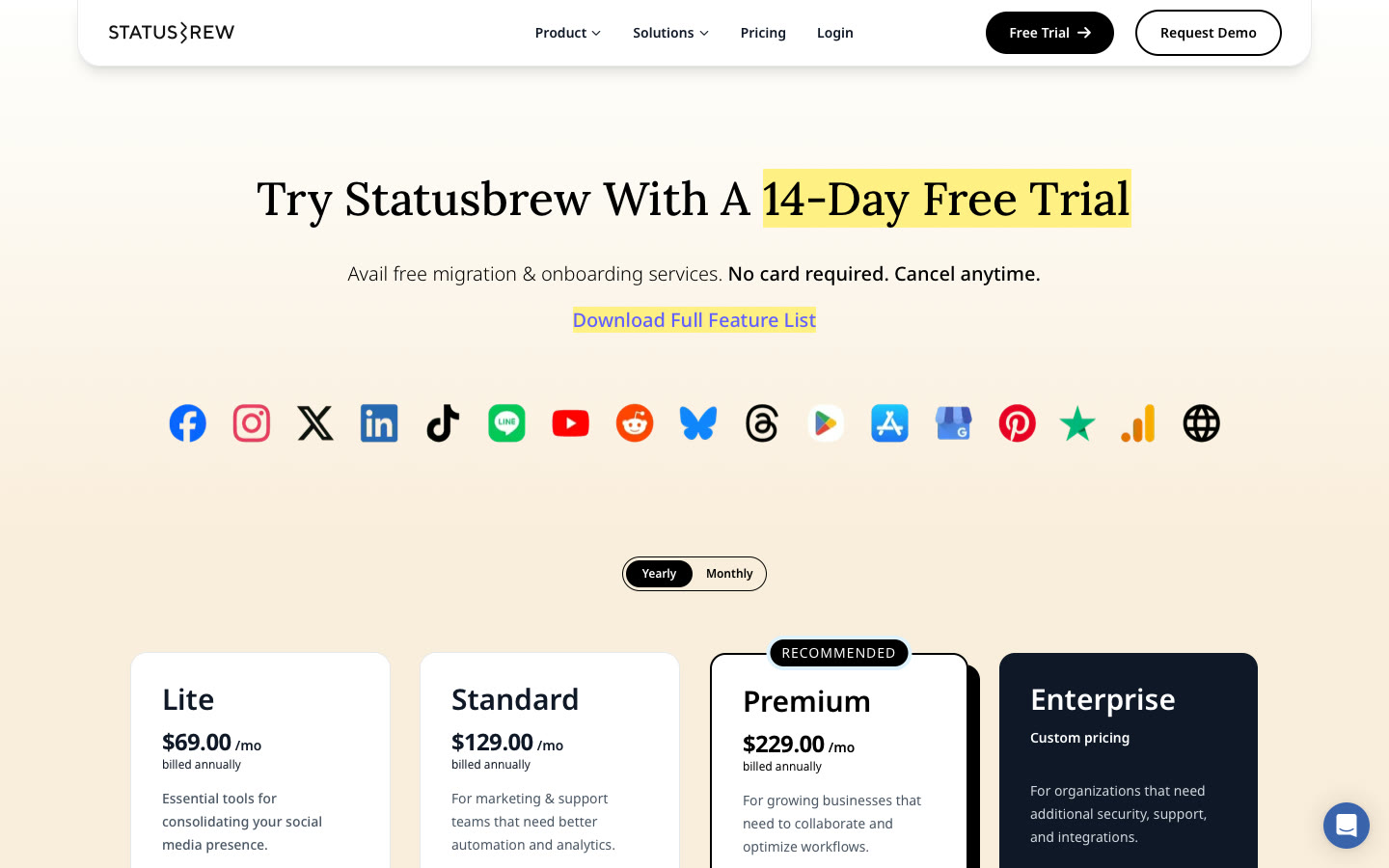
Pricing (checked 22 Nov 2026 on statusbrew.com/pricing): Lite is $69 a month billed yearly ($89 monthly), 5 profiles, 1 user. Standard $129 (10 profiles, 3 users). Premium $229, where approvals start. 14-day trial, no card.
#15. NapoleonCat
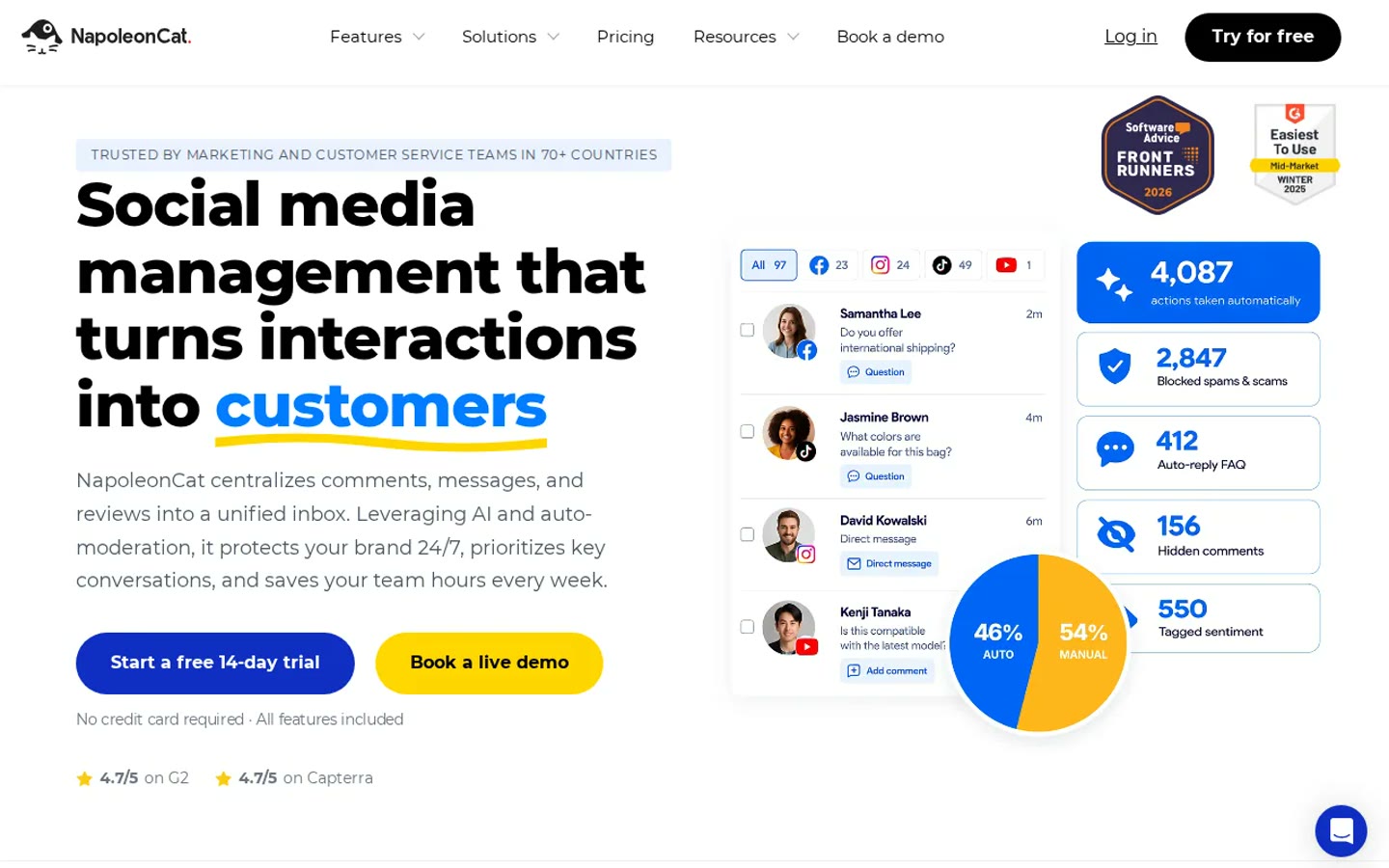
Pros: Auto-moderation rules reply as a comment, reply in a private message, hide, delete or block, and send links to people who use a keyword. They work on Instagram and Facebook, among others.
Cons: Those rules are on Expert only. No queue, no recycling, no blog feeds, no spreadsheet uploads. It doesn't post to YouTube, Pinterest, Threads or Bluesky.
For who: Customer service teams that answer more than they post.
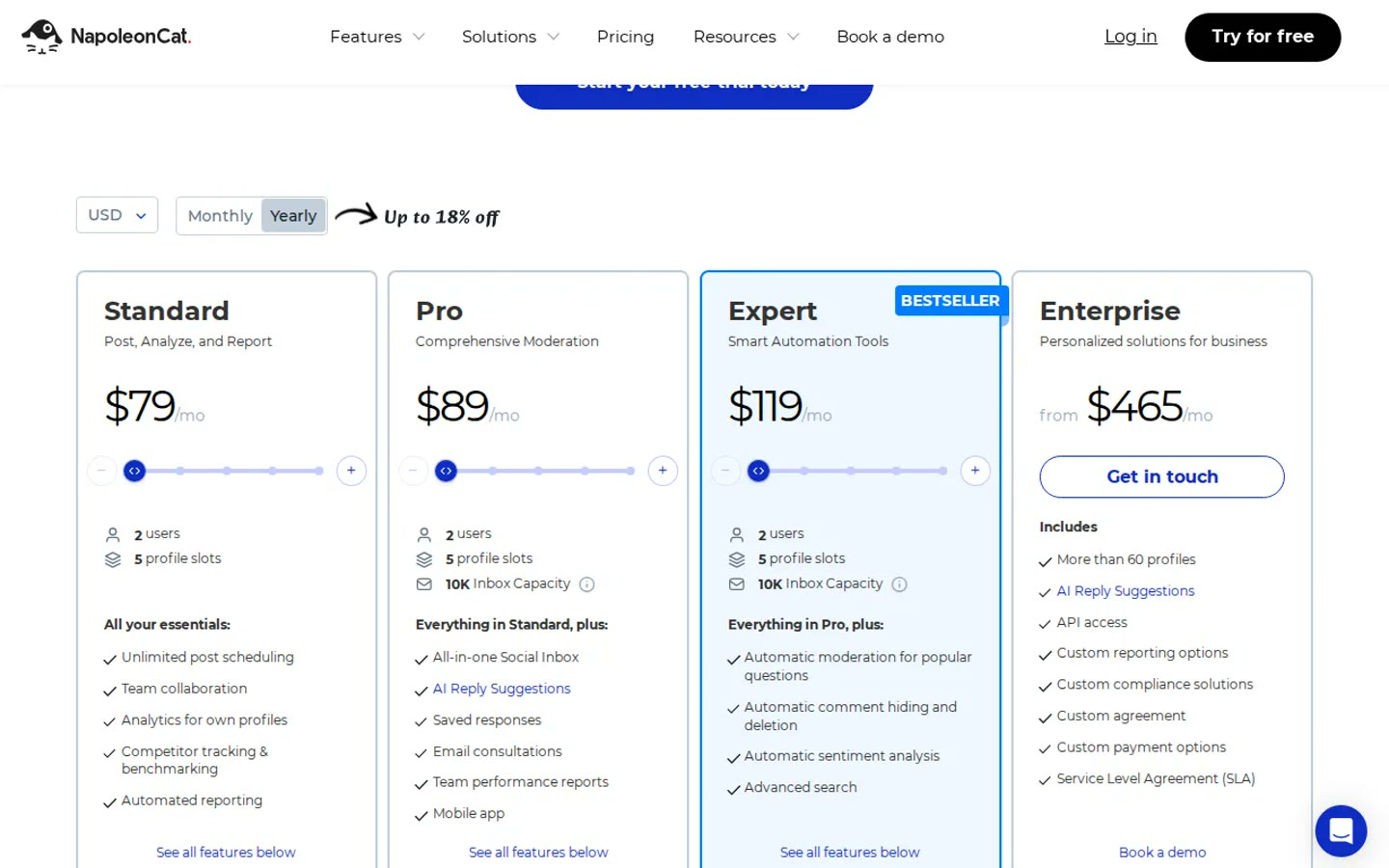
Pricing (checked 22 Nov 2026 on napoleoncat.com/pricing): For 5 profiles and 2 users, billed yearly: Standard $79 a month, Pro $89, Expert $119. 14-day trial on Expert, no card.
#16. Zoho Social
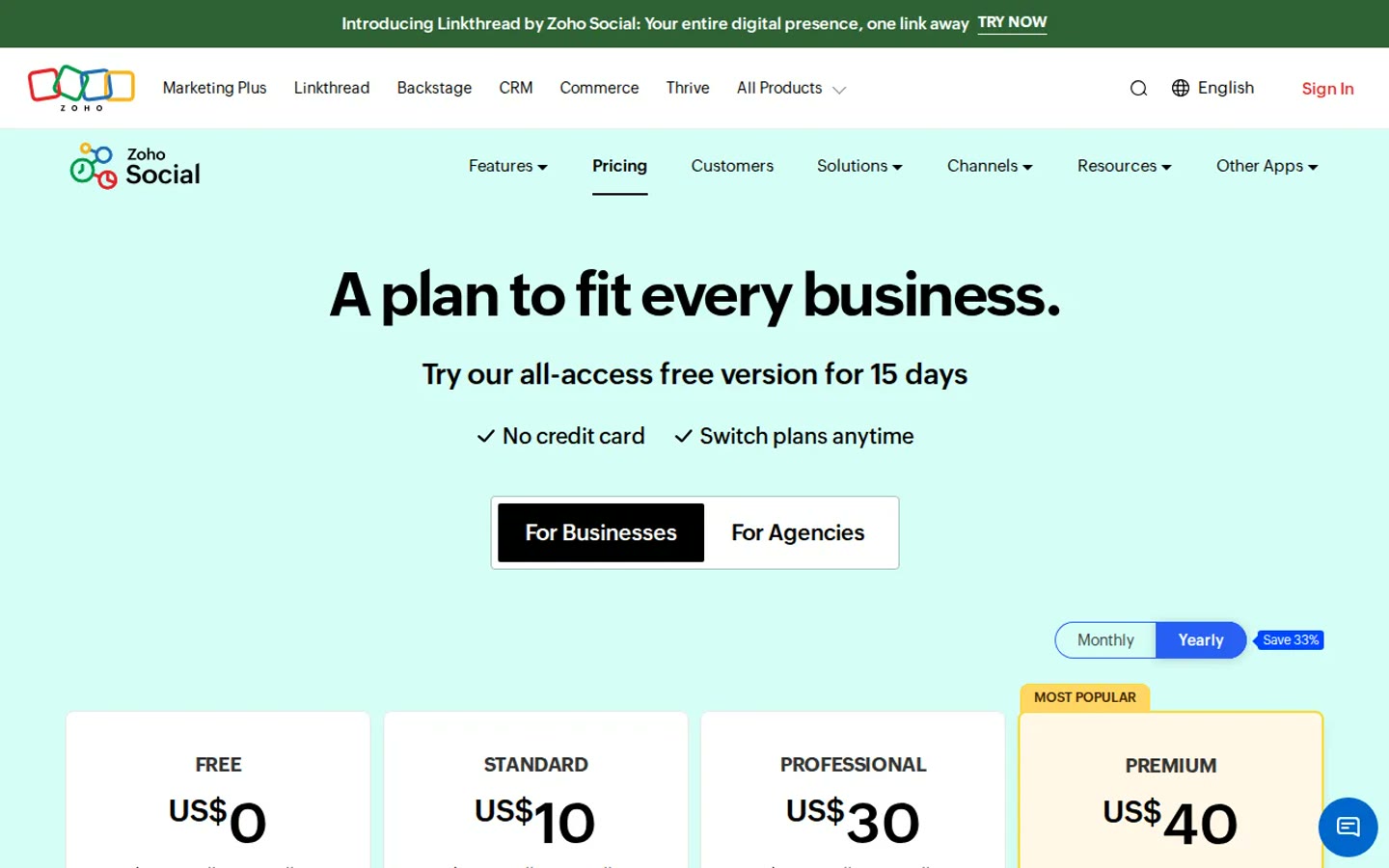
Pros: A custom queue, repeat posting, spreadsheet uploads and the first comment from Professional. Its best-time queue (SmartQ), assignment rules and scheduled reports from Premium. Its AI connection can draft, schedule and publish.
Cons: No Zapier, Make or n8n, only Zoho's own Zoho Flow. Blog feeds are for picking posts, not posting on their own. Its pages don't say which plan gets keyword replies to comments.
For who: Small businesses already on Zoho, or anyone who wants a queue for $30.
Pricing (checked 22 Nov 2026 on zoho.com/social/pricing.html): Free for 1 brand and 6 channels. Standard is $10 a month billed yearly ($15 monthly). Professional $30 ($40). Premium $40 ($65), 3 users. 15-day trial, no card.
#17. Planable
Pros: A post with a date schedules itself the moment it's approved, and approvers get reminders on their own. Repeat posts on every plan. Its AI connection reads comments, approvals and drafts.
Cons: No spreadsheet uploads, no blog feeds, no auto-replies. Its pages disagree on whether its AI can publish or schedule. The inbox is an add-on.
For who: Agencies whose clients approve every post.
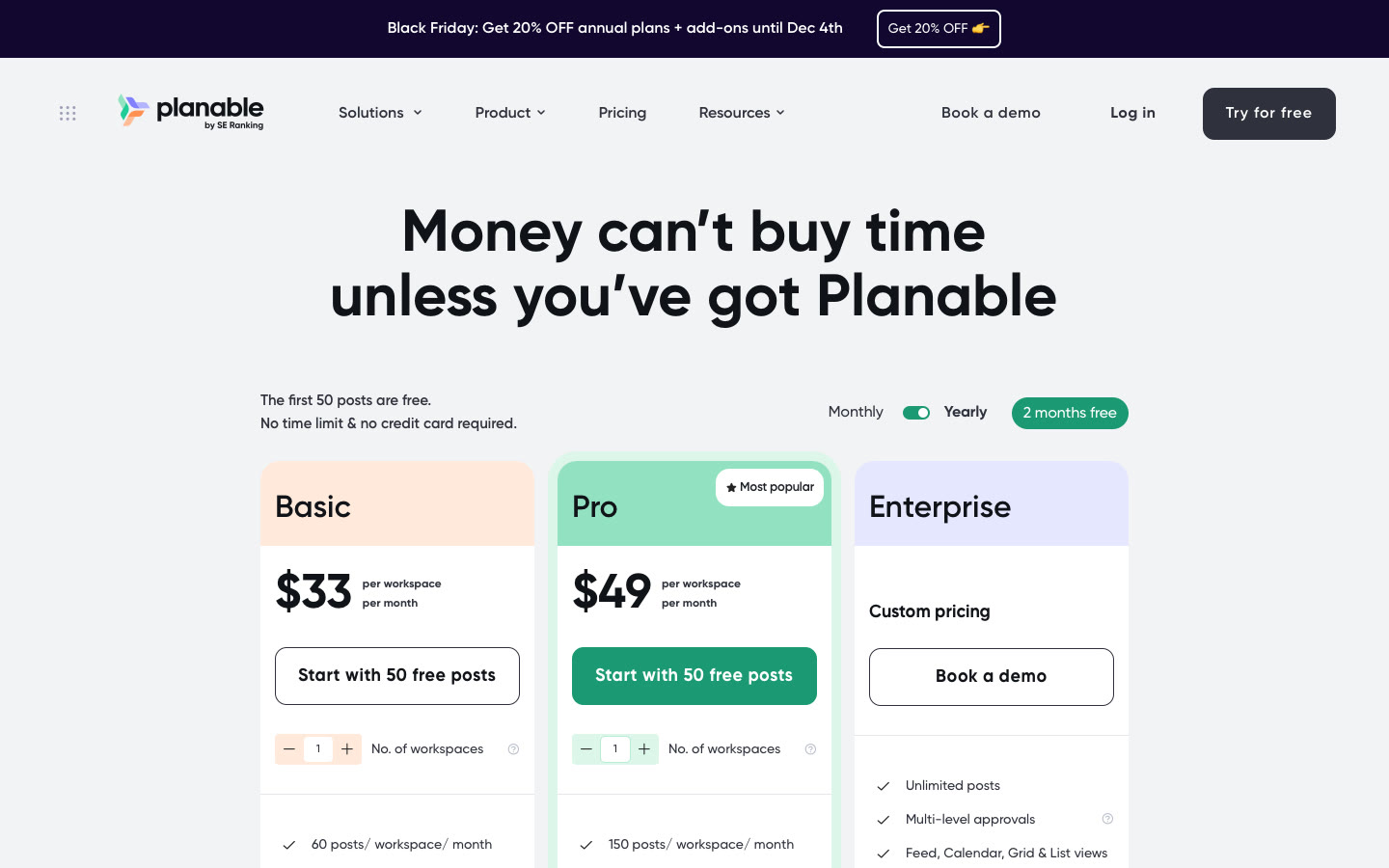
Pricing (checked 22 Nov 2026 on planable.io/pricing): Basic is $33 a workspace a month billed yearly ($39 monthly), Pro $49 ($59). The inbox add-on is $7.50. Black Friday: 20% off annual plans and add-ons for new customers, 17 November to 4 December 2026. The first 50 posts are free, with no card.
#18. Loomly
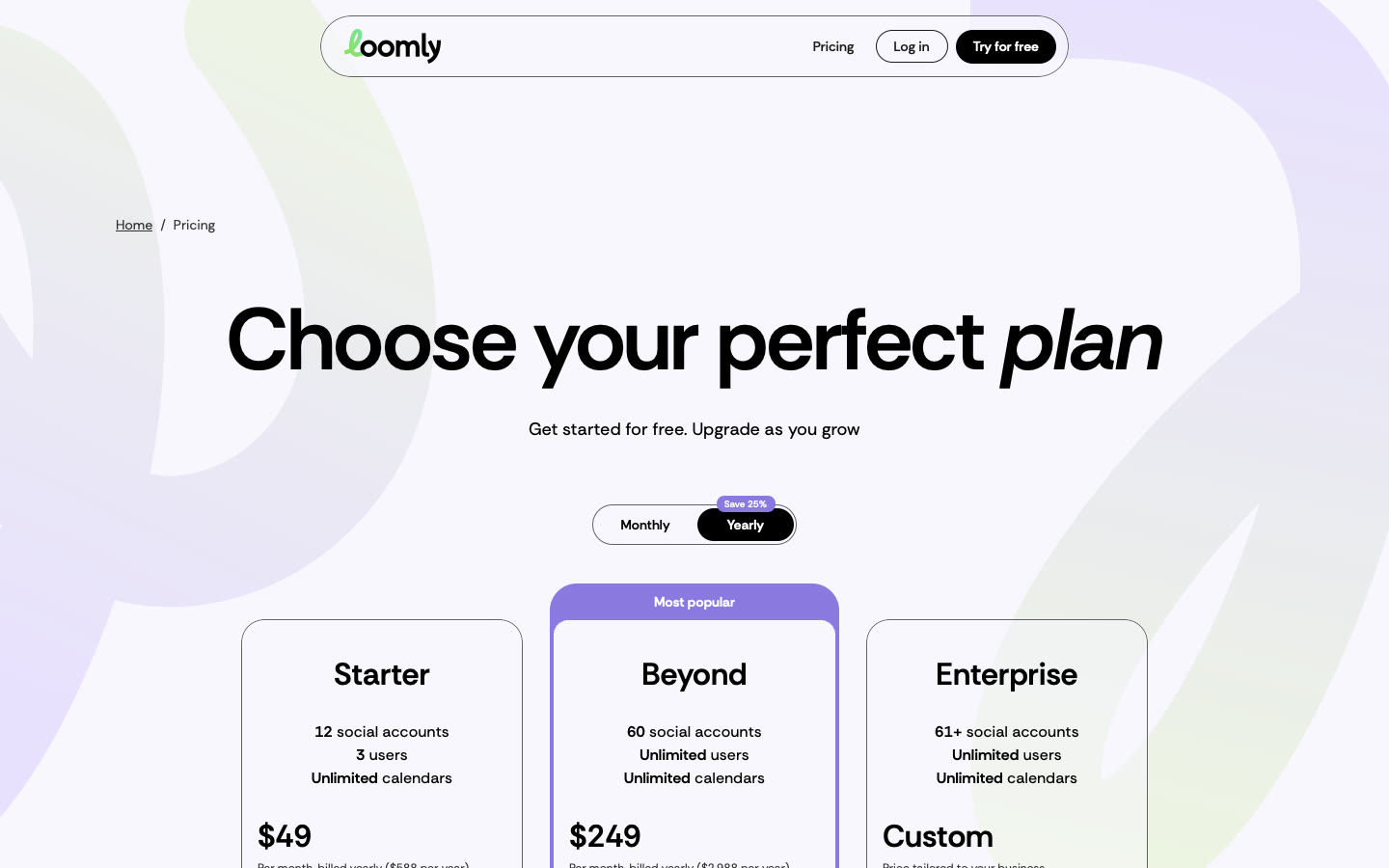
Pros: Automated replies to Instagram and Facebook DMs and comments, by rules, keywords or AI, on every plan, its automated replies page says. Repeat posts and spreadsheet uploads of 60 posts on Starter.
Cons: No timetable queue and no recycling list. Its pages disagree on whether blog feeds post or only make drafts. No X, no AI connection, no API.
For who: A team of 3 that wants approvals and automated replies on one plan.
Pricing (checked 22 Nov 2026 on loomly.com/pricing): Starter is $49 a month billed yearly ($65 monthly), 12 accounts, 3 users. Beyond is $249 ($332), 60 accounts, unlimited users. Its trial is 7 days on its homepage and 15 days on other pages.
#19. Later
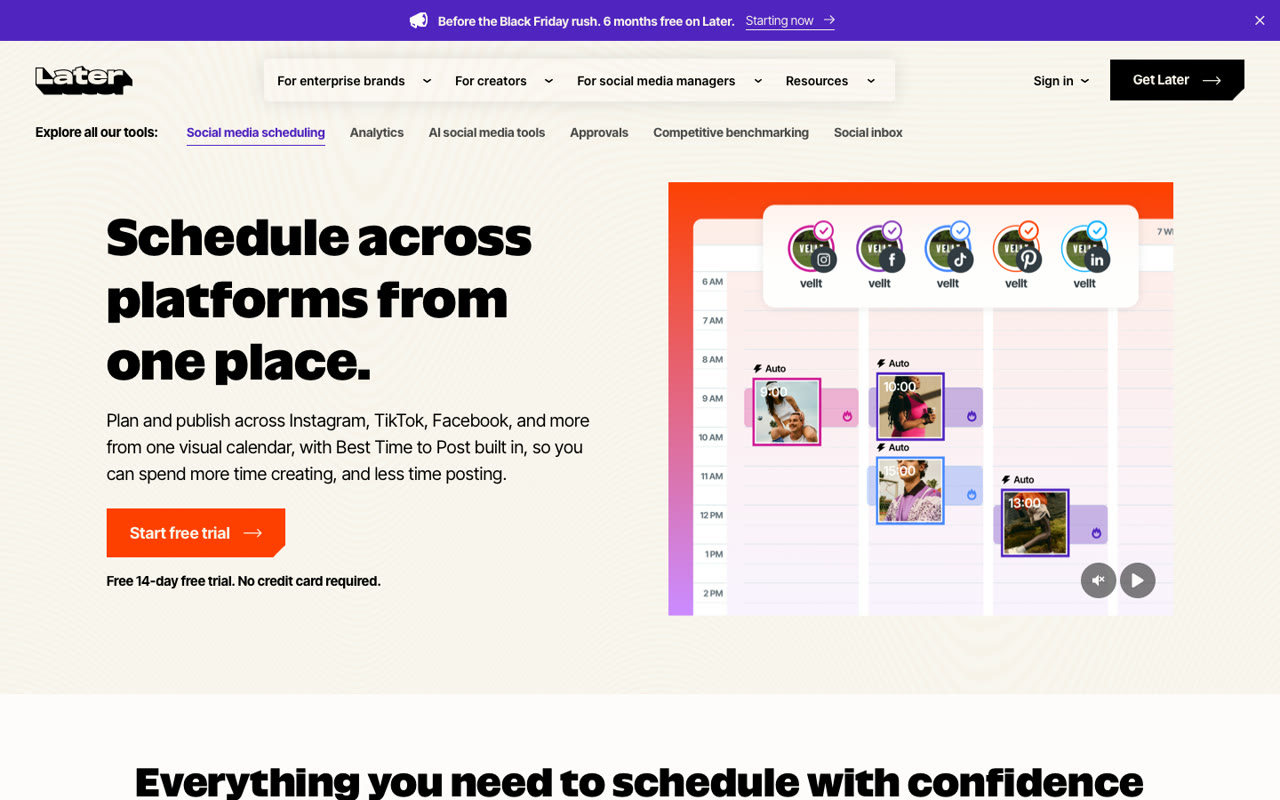
Pros: Weekly time slots (Quick Schedule) on every plan for Instagram, Facebook, TikTok and LinkedIn. Reels and carousels can publish on their own to Instagram business and creator accounts.
Cons: Its Instagram and TikTok slots send you a phone notification by default. No recycling, no blog feeds, no spreadsheet uploads, no reply rules, no comment-to-DM. No Zapier, no API, no AI connection. It stopped posting to X on 28 August 2025.
For who: Instagram creators who only need posts to go out on time.
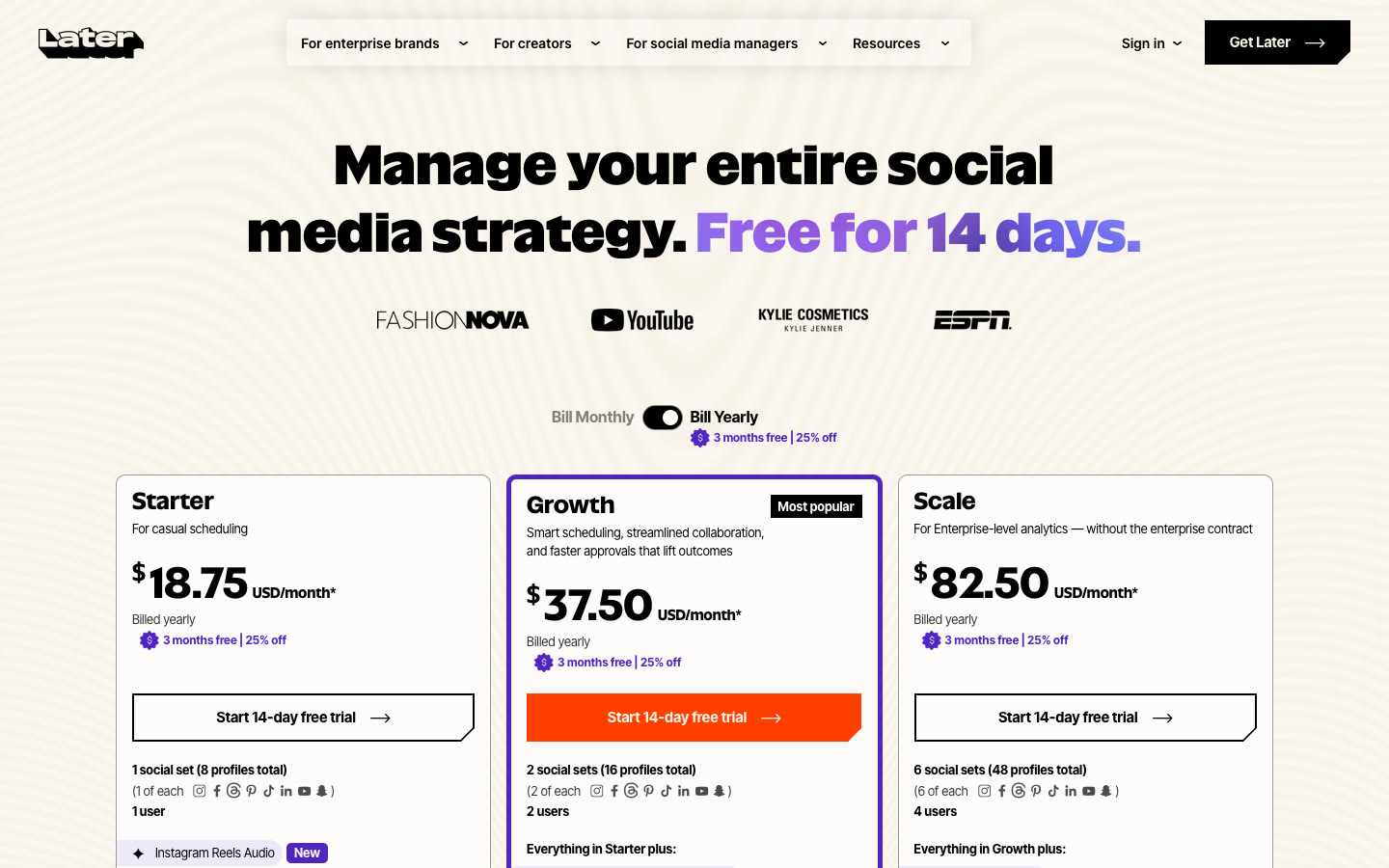
Pricing (checked 22 Nov 2026 on later.com/pricing): Starter is $18.75 a month billed yearly ($25 monthly), 1 user. Growth is $37.50 ($50), 2 users. Scale $82.50. Code LATERBF26: your first 3 months included, plus 3 more on us, on a yearly Growth or Scale plan, for new customers, until 4 December 2026. 14-day trial.
#20. MeetEdgar
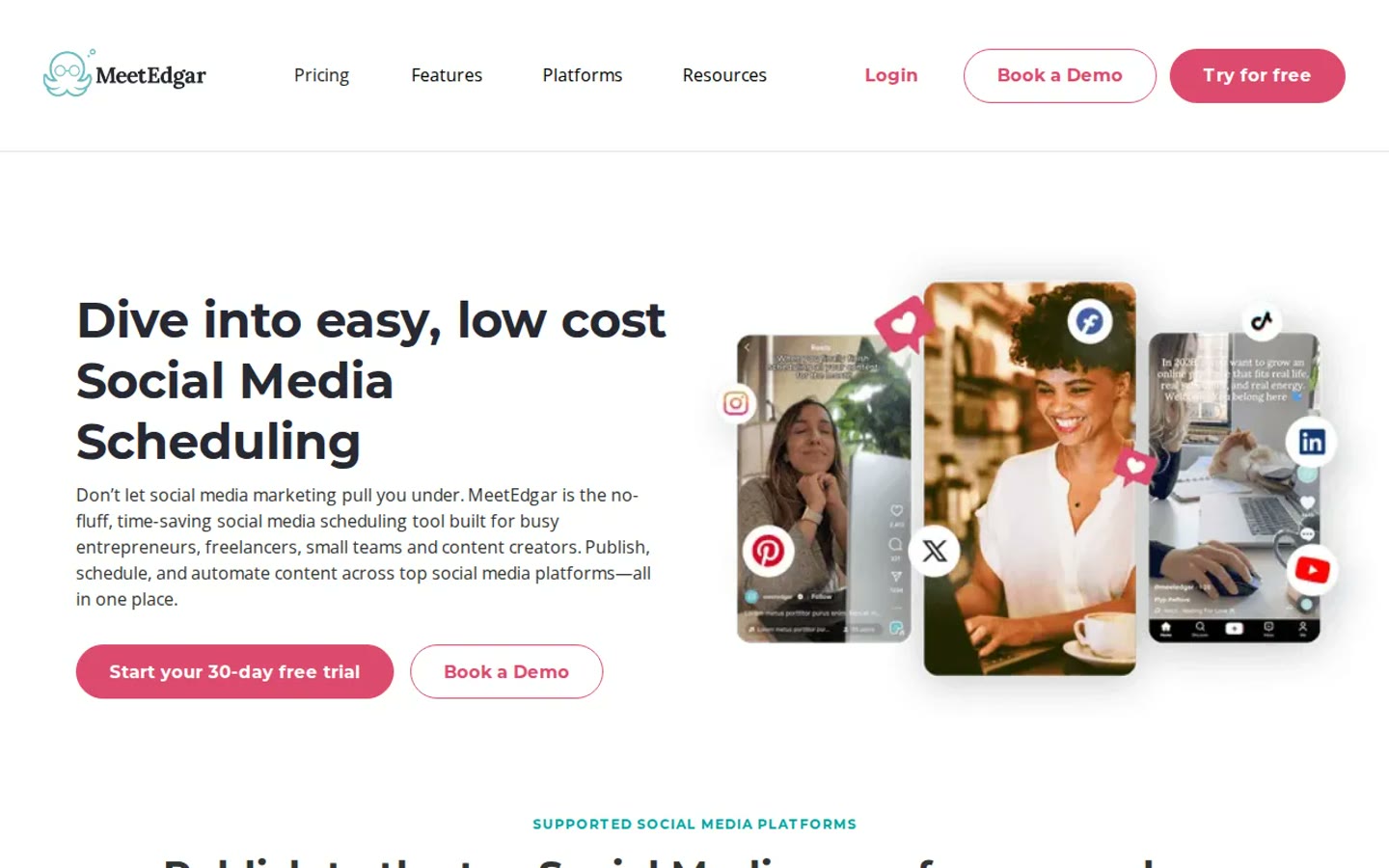
Pros: Built for recycling: "When new updates run out, Edgar automatically re-shares older posts." Weekly time slots, blog feeds pulled into the library once a day, a weekly email report.
Cons: No approvals on any plan. No comment-to-DM, no reply rules, no AI connection, no API. Zapier only adds content to its library. The $24.91 plan posts 10 times a week on its own.
For who: A solo creator with a big library of evergreen posts.
Pricing (checked 22 Nov 2026 on meetedgar.com/pricing): Eddie is $24.91 a month billed yearly ($29.99 monthly), 5 accounts. Edgar is $41.58 ($49.99), 25 accounts. Both include 20 team members. Code BF2026SAVE gives 30% off for 12 months; no end date on the page. 30-day trial. Its pricing page says your card is charged when it ends; its homepage says no payment required.
#21. Zapier
Pros: Connects thousands of apps. Its official apps post to Instagram for Business, Facebook Pages, LinkedIn, YouTube, and on premium apps Pinterest and Bluesky. Its AI connection is on every account.
Cons: Its X integration "has stopped working (effective August 31, 2023)", its own help says. No official TikTok or Threads posting. No Instagram Stories, comments or DMs. Each AI tool call uses two tasks.
For who: Anyone who wants a new blog post or sheet row to turn into a LinkedIn or Facebook post.
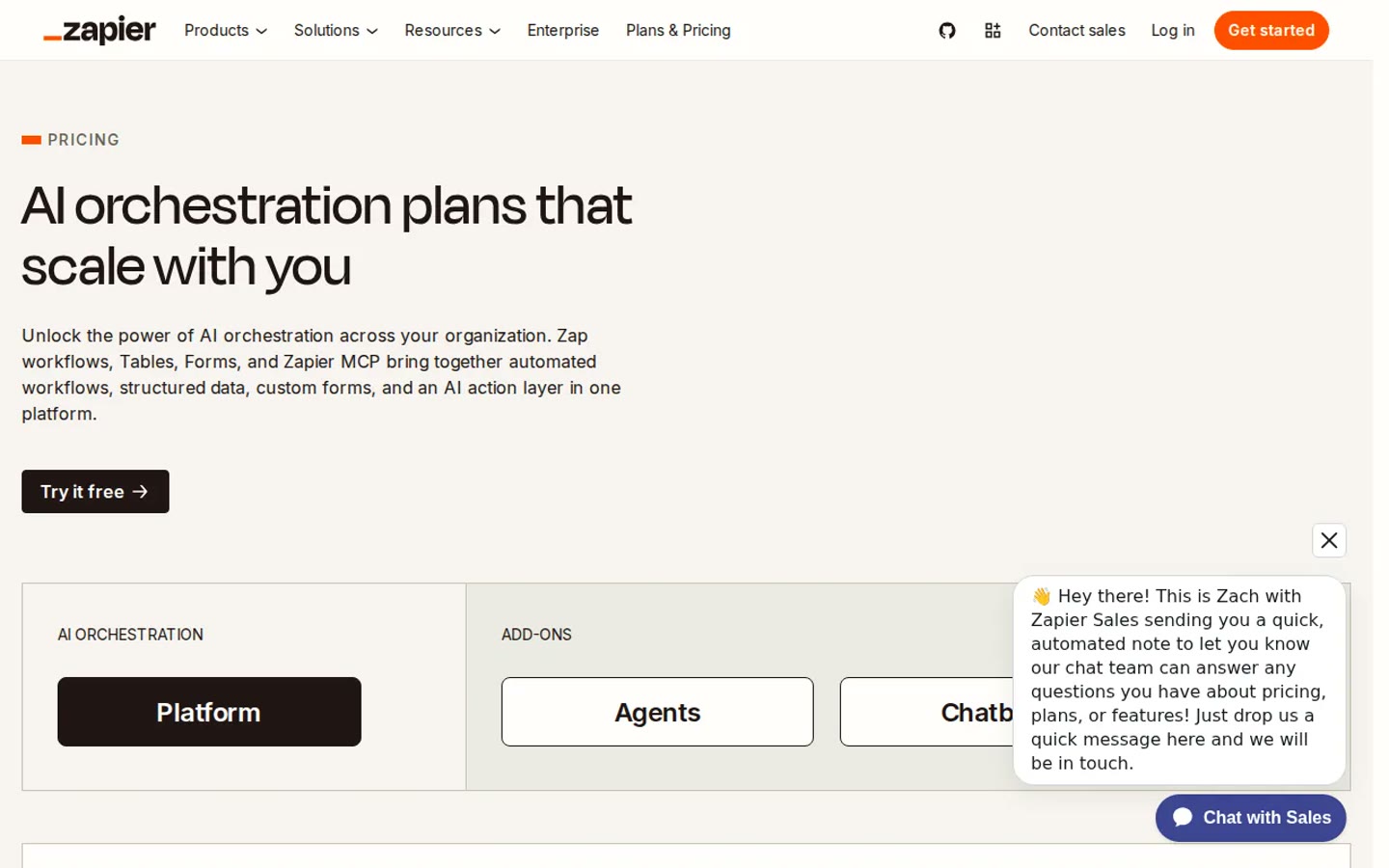
Pricing (checked 22 Nov 2026 on zapier.com/pricing): Free for 100 tasks a month, two-step flows. Professional is $19.99 a month billed yearly ($29.99 monthly), 750 tasks. Team is $69 ($103.50). 14-day trial, no card.
#22. Make
Pros: Long flows with branches for less. Its Instagram app posts photos, carousels and Reels and replies to comments. Facebook Pages, LinkedIn, YouTube, Pinterest and Bluesky too. Its AI connection on every plan lets Claude run your flows.
Cons: No X or Threads app, and TikTok only for ads. No Instagram Stories or DMs. It takes longer to learn than Zapier.
For who: People who want a sheet-to-post flow with AI captions, cheaply.
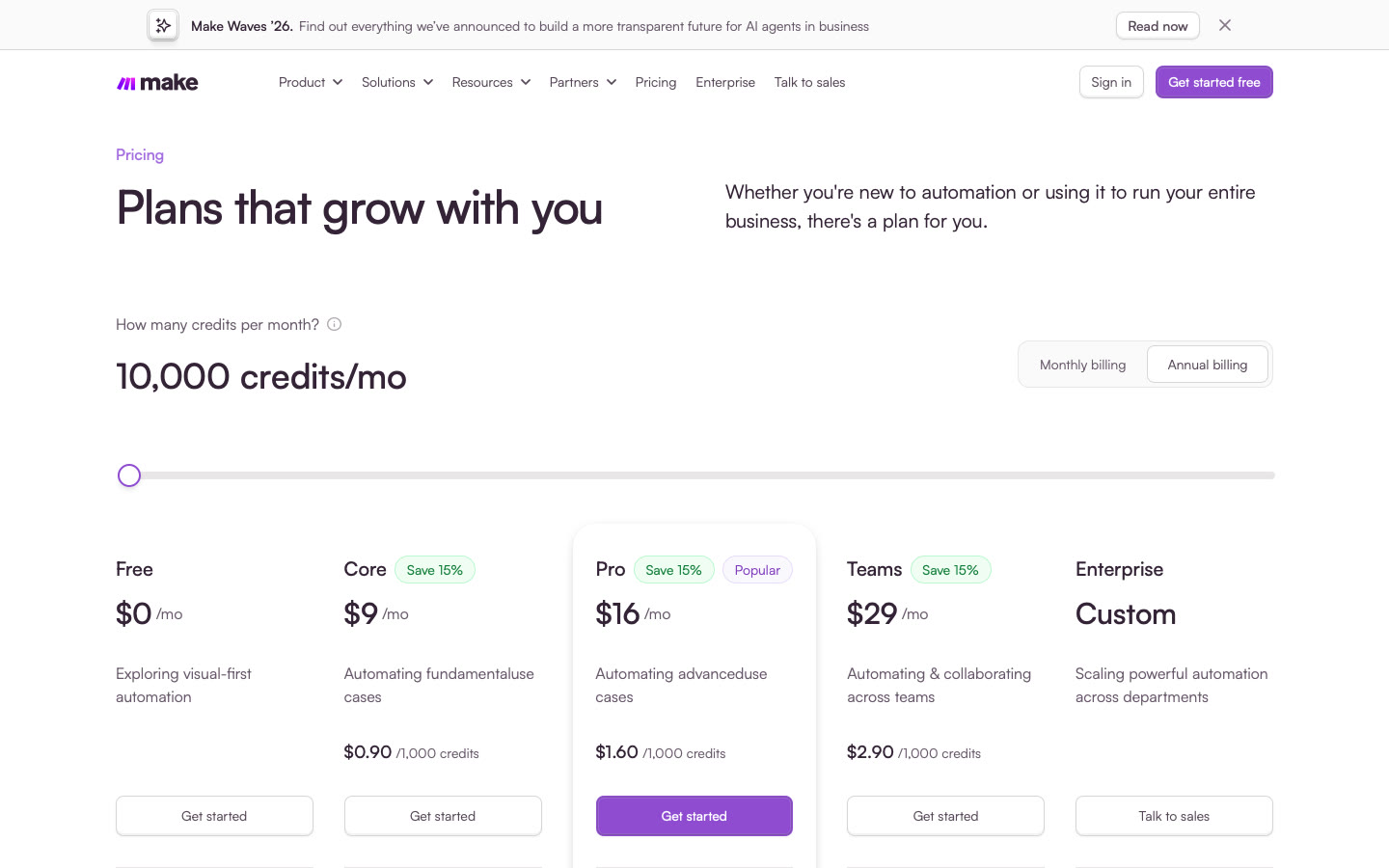
Pricing (checked 22 Nov 2026 on make.com/en/pricing): Free for 1,000 credits a month and 2 active flows. Core is $9 a month billed yearly for 10,000 credits ($10.59 monthly). Pro $16, Teams $29. No card for Free.
#23. n8n
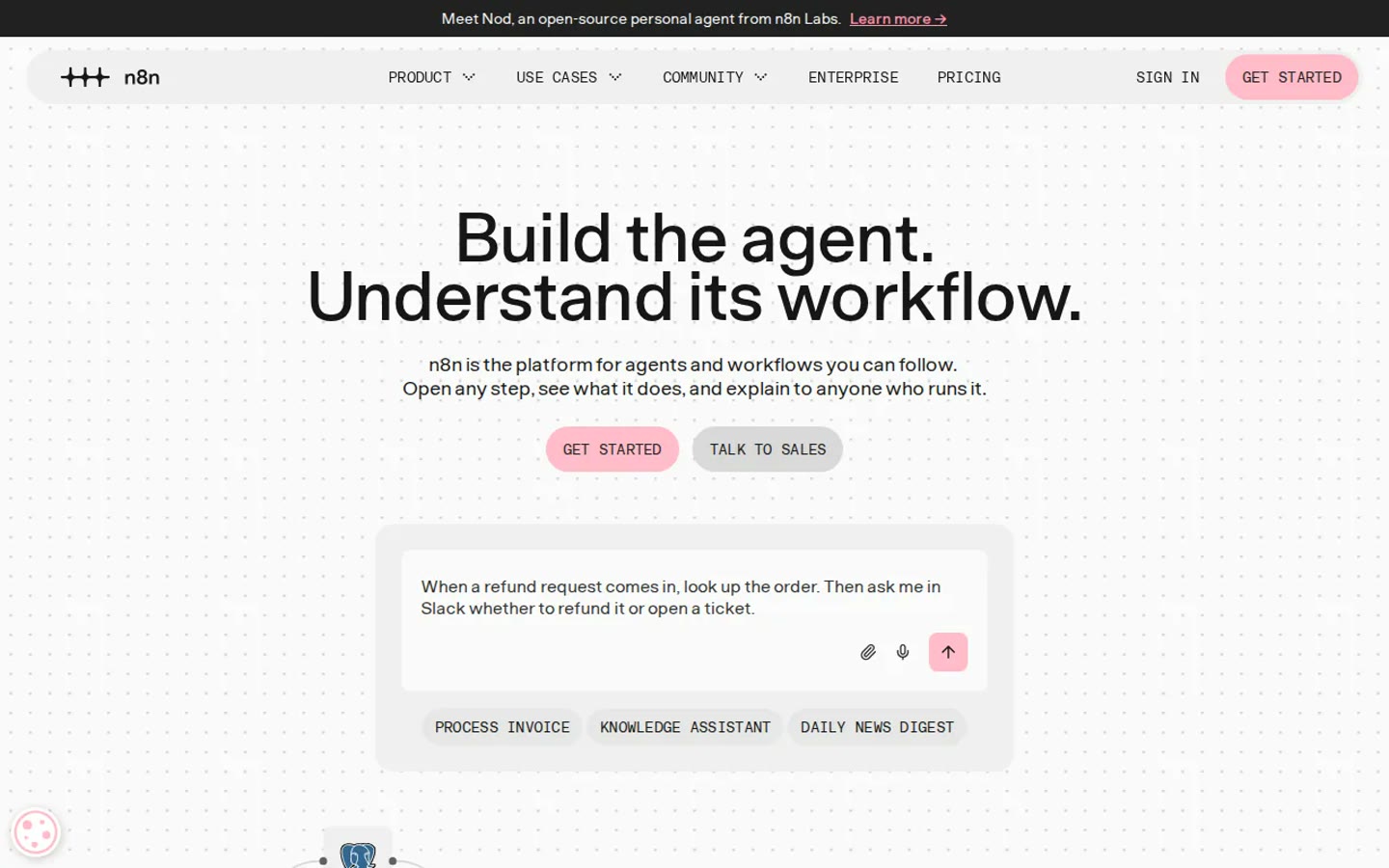
Pros: Free if you run it on your own server. Official blocks for LinkedIn, X (post, reply, DM) and YouTube. Its AI connection on every plan lets Claude start and build your flows.
Cons: No Instagram, TikTok, Threads, Bluesky or Pinterest block: you connect those networks yourself with its general block for talking to any app. No free plan in the cloud.
For who: Technical founders who want full control, or X and LinkedIn in one flow.
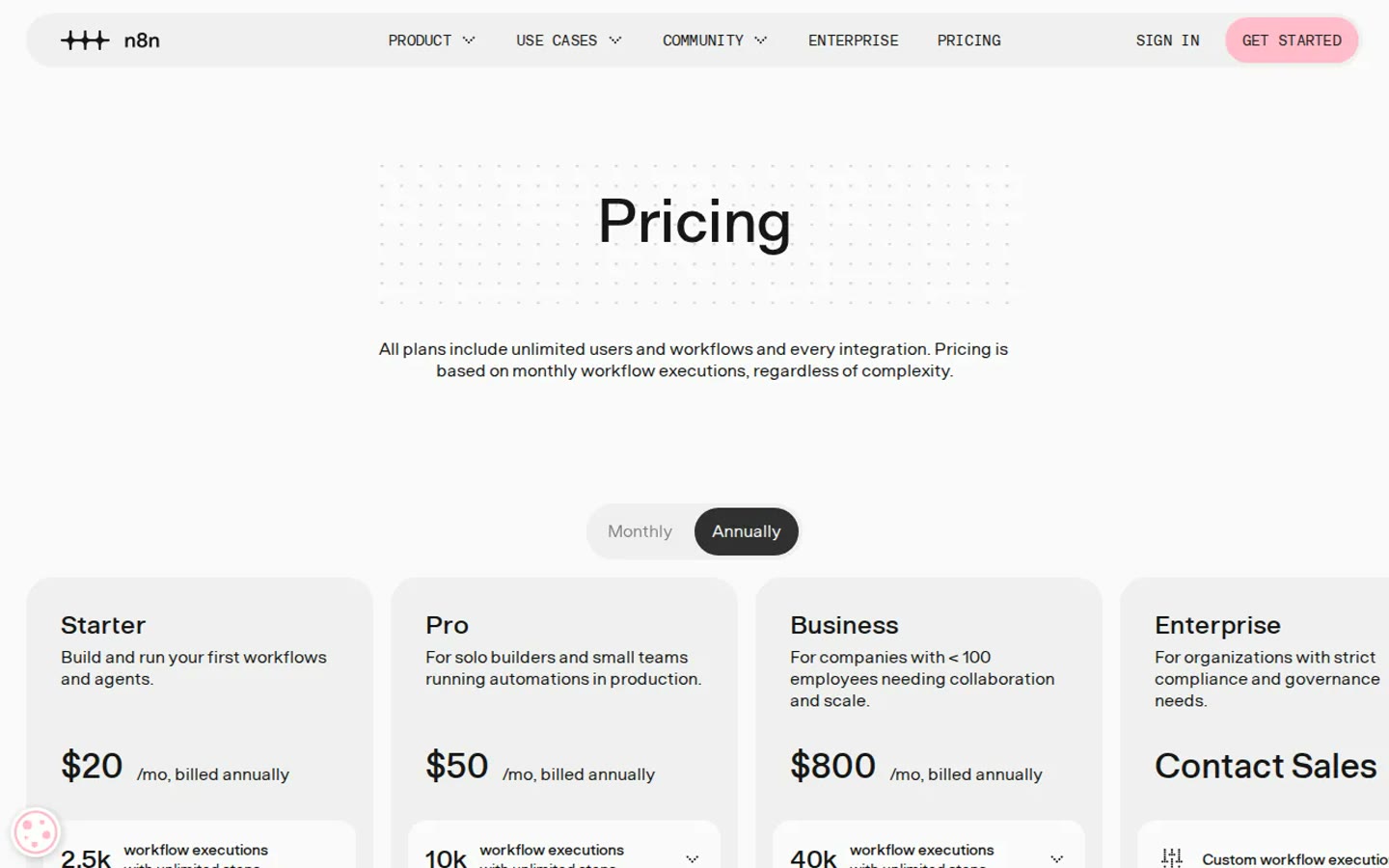
Pricing (checked 22 Nov 2026 on n8n.io/pricing): Starter is $20 a month billed yearly ($24 monthly) for 2,500 runs. Pro is $50 ($60). The self-hosted Community Edition is free. Cloud trial, no card.
#24. IFTTT
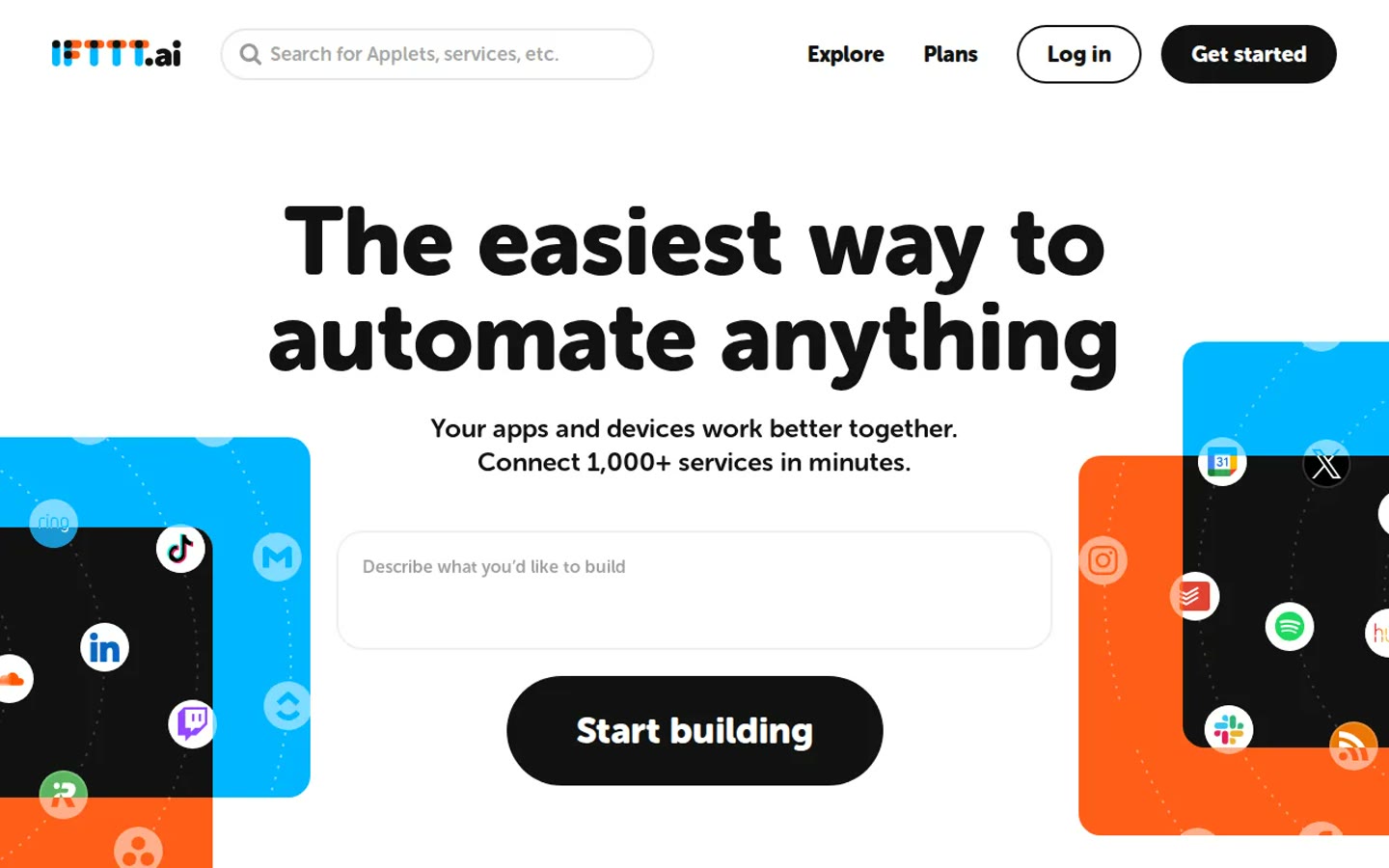
Pros: The lowest paid price here: $2.09 a month. It posts to X, a LinkedIn profile, Facebook Pages, Threads, Bluesky, Pinterest and YouTube. Its AI connection is on every plan, Free included.
Cons: It can't post to Instagram (it only reads from it). TikTok gets a draft you finish in the app. It doesn't post to LinkedIn company pages.
For who: A creator who wants "new blog post, then post on X and Threads" for almost nothing.
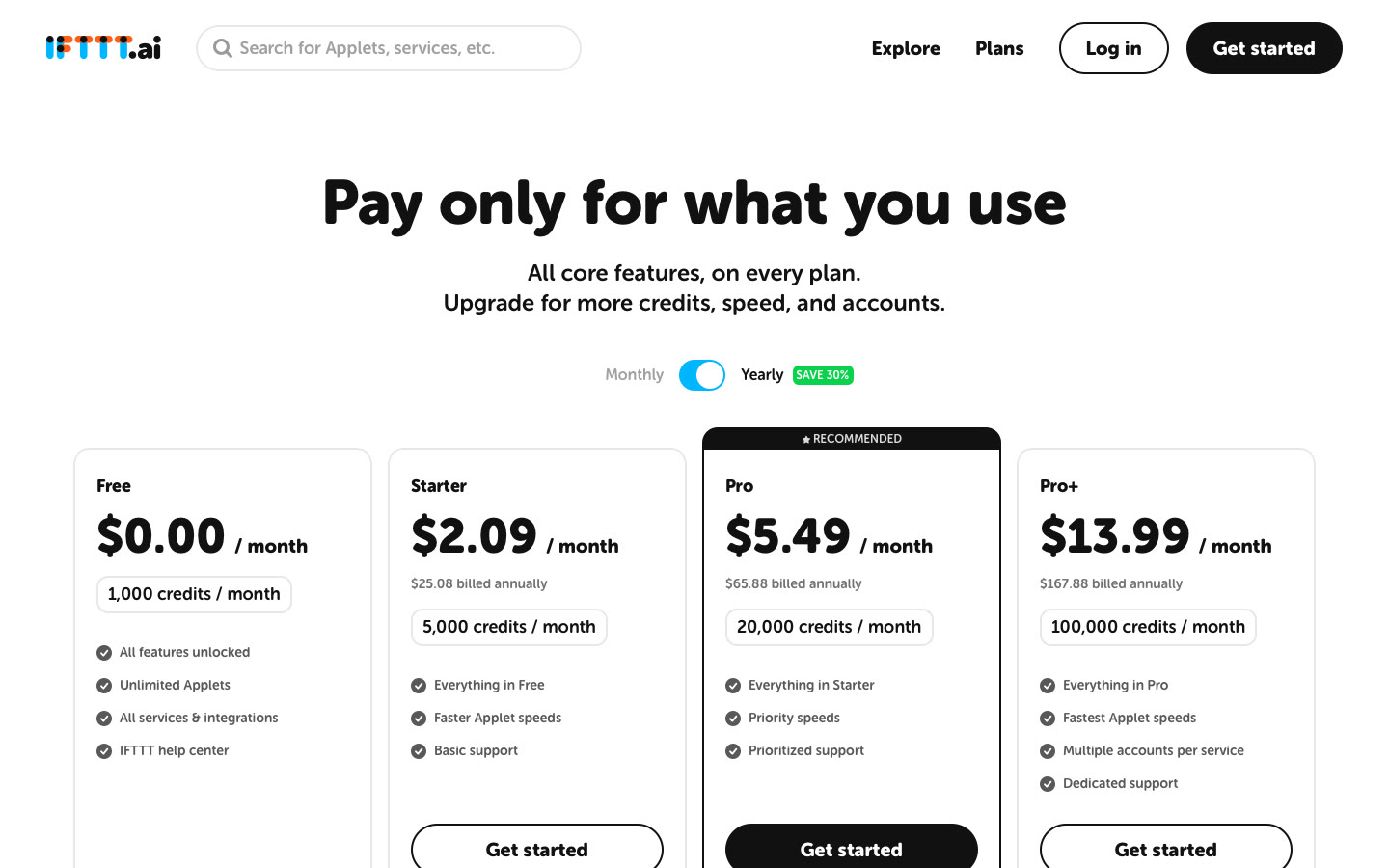
Pricing (checked 22 Nov 2026 on ifttt.com/plans): Free for 1,000 credits a month. Starter is $2.09 a month billed yearly ($2.99 monthly). Pro $5.49, Pro+ $13.99.
#Four more specialised names
- Repurpose.io. Post a video once, and it goes to TikTok, Instagram Reels, Facebook and YouTube Shorts without watermarks. From $29.08 a month billed yearly. 10 videos free, no card.
- Iconosquare. Analytics first, with automated reports and one inbox from its Launch plan. Free for 2 profiles, then from $10 a month billed yearly.
- Ordinal. LinkedIn and X for teams: teammates can comment or repost from their own accounts. From $85 a month billed yearly.
- Gumloop. An AI agent platform, not a scheduler. From $37 a month with 20,000 credits.
#Comment-to-DM: who sends the link
| Tool | Plan | Price for it, billed yearly | ||
|---|---|---|---|---|
| Pozy | Yes | Yes | Every plan | From $23 |
| Vista Social | Yes | Not listed | Every plan | From $80 |
| RecurPost | Yes | No | Every plan | From $7.50 |
| Statusbrew | Yes | Yes | Every plan, by its help center | From $69 |
| SocialPilot | Yes | No | Standard | $42.50 ($35 on sale, new customers, first year, until 4 Dec) |
| Metricool | Yes | No | Flows add-on | From $20, plus $12 a month |
| Hootsuite | Yes | No | Professional | $199 a user |
| NapoleonCat | Yes | Yes | Expert | $119 |
Zoho Social has keyword replies to comments, with no plan or networks on its pages. Loomly sends automated replies to Instagram and Facebook DMs and comments; its pages don't say if a comment can trigger a DM. On Instagram, Pozy sends a short message with a "Send me the link" button first. Instagram lets you message a commenter once until they reply, and the tap counts as a reply.
#Can your AI run it?
What Claude or ChatGPT can do through each tool:
| Tool | Plan | What your AI can do | What it can't |
|---|---|---|---|
| Pozy | Every plan | Post, schedule, trial Reels, reply to DMs and comments, comment-to-DM, numbers, ads | Act when you haven't asked |
| Buffer | Every plan, Free too | Create, schedule, edit, delete posts; read numbers | Reply |
| ContentStudio | Every plan | Draft, queue, schedule, read and reply (inbox from Advanced), approve | Not stated |
| Vista Social | Every paid plan | Schedule, draft, reply to DMs, approve | Not stated |
| Agorapulse | All current plans | Reply after you confirm, reports; scheduling: its pages disagree | Publish on the spot |
| SocialPilot | Every plan | Create, schedule, publish now, check posts | Not stated for replies or numbers |
| Metricool | Every plan, Free too, with Claude (for ChatGPT its pages disagree) | Read numbers, create and edit scheduled posts | Touch the inbox |
| Publer | Business | Create, schedule, publish, read numbers | Not stated for replies |
| RecurPost | Every plan, on your computer | Schedule, publish now, fill libraries, history | Reply |
| Zoho Social | Plan not stated | Draft, schedule, publish now | Not stated for replies |
| Planable | Every paid plan | Drafts, approvals, read comments | Publish (its pages disagree) |
| Statusbrew | Enterprise, by its pricing page | Drafts, approvals, read the inbox | Publish |
| Hootsuite | Every plan | Drafts, tag and assign in the inbox | Publish or reply, by its developer pages |
| Sprout Social | Professional, ChatGPT only | Read TikTok numbers | Create posts |
No AI connection: SocialBee, Sendible ("in the works"), Loomly, Later, MeetEdgar, NapoleonCat. Zapier, Make, n8n and IFTTT all have one, on every plan: Claude runs your flows or their app actions.
#Zapier, Make, n8n or IFTTT: what each can post
One job, 30 times a month: every new blog post becomes a LinkedIn post and an X post.
| Tool | Posts with its own apps | The blog job | Price |
|---|---|---|---|
| Zapier | Instagram, Facebook Pages, LinkedIn, YouTube, Pinterest, Bluesky | LinkedIn half free; X half breaks | Free, or $19.99 |
| Make | Instagram, Facebook Pages, LinkedIn, YouTube, Pinterest, Bluesky | LinkedIn half free; X half breaks | Free, or $9 |
| n8n | LinkedIn, X, YouTube, Facebook | Works | $20, or free on your server |
| IFTTT | X, LinkedIn profile, Facebook Pages, Threads, Bluesky, Pinterest, YouTube | Works; free only if each step costs 1 credit (IFTTT doesn't publish this) | Free, or $2.09 |
With n8n, X's own price for its API comes on top. Pozy connects to Zapier (on a paid Zapier plan), Make and n8n through the general block each one has for talking to any app (how), so one flow can reach every network Pozy posts to, X and TikTok included.
#Networks some tools skip
- X: Later and Loomly don't post there. Zapier and Make have no X app. Metricool ($10 a month) and Vista Social ($29) charge extra for it. RecurPost's pages disagree on who pays the $0.20 for each X link post. Agorapulse charges $50 for X inbox and reports, and Pozy bills X at X's own rate. Planable's Basic plan allows 1 X post a day, and Publer has no X on Free.
- Bluesky: Later, Planable, NapoleonCat. n8n has no block. Sprout Social, Vista Social and Loomly: their pages disagree.
- Threads: NapoleonCat. Zapier and Make have no Threads app, n8n no block.
- Pinterest: Sendible, NapoleonCat. n8n has no block.
- YouTube: NapoleonCat doesn't post there. Buffer, Later and MeetEdgar post Shorts only.
- Google Business: Later. Hootsuite and Sprout Social don't say they post there; Vista Social's pages disagree.
Pozy posts to all of these, plus WhatsApp and Slack.
#The best free social media automation tools
- Metricool: 1 brand with time slots, recycling and blog feeds. No LinkedIn or X, 20 posts a month.
- Buffer: 3 channels with a queue, spreadsheet uploads and an AI connection.
- Publer: 3 accounts with a queue, no X.
- Zoho Social: 1 brand and 6 channels, with no queue on Free.
- Make, Zapier and IFTTT: free plans for small flows. n8n is free on your own server.
Free trials with no card: Buffer, SocialBee, SocialPilot, Agorapulse, ContentStudio, Vista Social, Sendible, RecurPost, Zoho Social, Loomly, Statusbrew, NapoleonCat, Sprout Social and Planable (50 posts). Zapier and n8n's cloud trial too. Later, Publer and MeetEdgar: their pages disagree. Pozy's 7-day trial takes a card.
#Black Friday deals running now
- ContentStudio: yearly Advanced $42, Agency $69, until 28 November 2026.
- SocialBee: 50% off yearly, 70% off monthly for new customers, code SOCIALBEEBF26, until 1 December.
- Later: "your first 3 months included, plus 3 more on us" on yearly Growth or Scale, code LATERBF26, new customers, until 4 December.
- Planable: 20% off annual plans and add-ons, new customers, until 4 December.
- SocialPilot: 30% off yearly for the first year, new customers in some countries, until 4 December by its blog.
- MeetEdgar: 30% off for 12 months, code BF2026SAVE, no end date shown.
#How to automate your social media posts, step by step
This is how I'd set it up from zero, with AI doing the writing and the tool doing the posting. Our workspace published 78 posts from 1 to 23 November, across 6 brands.
- Pick one job. The one you do most by hand: answering "link?" comments, or posting the same kind of post every week.
- Connect your accounts in the tool, with each network's own sign-in. Never share a password.
- Set a weekly timetable from your best hours. Pozy's best time to post uses your own past posts. A new post then takes the next free slot.
- Let AI write the first drafts. Give Claude or ChatGPT one source a week (a blog post, a video, a podcast episode) and ask for a post per network. You edit, you don't start from a blank page.
- Load a week at once. Paste the drafts into a spreadsheet, one row per post, and upload it. Run the check first: it flags rows that would fail without posting anything.
- Turn on one reply rule. For example, comment-to-DM on your next Reel, with a whole-word keyword.
- Check it for a week. Read the DMs that went out and the posts that published. Then add the next job.
With Pozy, Claude can do steps 3 to 6 from one chat (add Pozy to Claude with one link; ChatGPT needs its developer mode):
Use Pozy for this. Look at when my Instagram posts got the most engagement. Make a queue with my 3 best weekly slots. Then turn this blog post into one post for Instagram, LinkedIn and X, and put them in the queue: [link]. Set up comment-to-DM on my latest Reel with the keyword GUIDE and this link: [link]. Show me everything before you save anything.Can ChatGPT or Claude post to social media on its own? Not by itself. It needs a tool it can connect to, like Pozy, Buffer or Metricool (see the table above for what each one allows). Then it posts when you ask. The rules you set (queues, recycling, comment-to-DM) are what keep running when you're not there.
#Which one should you pick?
- You want your AI to post and reply for you: Pozy. ContentStudio, Vista Social and Agorapulse (after you confirm) also let your AI reply.
- You want a link sent to everyone who comments: Pozy, Statusbrew or NapoleonCat on Instagram and Facebook. Vista Social, RecurPost, SocialPilot, Metricool (Flows add-on) or Hootsuite (Professional) on Instagram.
- You want it free: Metricool, then Buffer.
- Your posts stay true for months: RecurPost, SocialBee, MeetEdgar.
- Your inbox is the job: Hootsuite, NapoleonCat, Statusbrew.
- Your clients approve every post: Planable.
- You want to connect anything: Make, or n8n on your own server.
#Questions
What are the top 5 automation tools for social media? For most people: Pozy, Metricool, SocialPilot, RecurPost and Buffer. To connect apps to each other: Zapier, Make, n8n and IFTTT.
What are 10 popular social media tools? Buffer, Hootsuite, Sprout Social, Later, Metricool, SocialBee, Agorapulse, Sendible, Planable and Publer. All 10 are compared above.
What are the big 4 of social media tools? There's no official list. Hootsuite, Sprout Social, Buffer and Later are four of the biggest names in scheduling. None of the four has comment-to-DM on its first plan.
What is the 5 5 5 rule on social media? An informal engagement habit, not a platform rule. One common version: every day, leave 5 comments, like 5 posts and share 5 posts from others in your niche. It's the part to keep doing yourself.
Is there a free social media automation tool? Yes. Metricool's free plan has time slots, recycling and blog feeds for 1 brand. Buffer is free for 3 channels. Make, Zapier and IFTTT have free plans for small flows.
Can AI fully automate my social media? Not alone, and you wouldn't want it to. Rules can run on their own: queues, recycling, comment-to-DM. Claude or ChatGPT can plan, write, post and reply through a tool like Pozy, when you ask. Keep a person on anything sensitive.
Is automated posting safe for my accounts? Use tools that post through each network's official connection, and stay inside its limits. Comment-to-DM only messages people who commented first.
Can I automate Instagram DMs? Yes, for people who wrote or commented first. Rules that answer incoming DMs: Pozy, Vista Social, SocialPilot (Standard), Hootsuite (Professional), ContentStudio (Advanced), Sprout Social (Advanced), Loomly, Statusbrew (by its help center), NapoleonCat (Expert) and Metricool (Flows add-on). A DM to people who comment: Pozy, Vista Social, RecurPost, Statusbrew, SocialPilot, Metricool (Flows add-on), Hootsuite and NapoleonCat.
What is the difference between scheduling and automation? Scheduling is picking a time for one post. Automation is a rule that keeps working: a timetable, a recycled library, a reply rule, a feed.
How much does social media automation cost? From free (Buffer, Metricool, Publer, Zoho Social) to $1,197 a month for a team of 3 on Hootsuite. Before sales, the creator setup above costs $20 to $149 a month on the tools that fit it; the small team $31 to $1,197.
What's the best automation tool for a solo creator? Pozy if you want Claude or ChatGPT to post and send your link to commenters. Metricool if you want it free. RecurPost if your posts stay true for months.
Which tool works for an agency with client approvals? Planable, where a post schedules itself once approved. Pozy, Vista Social and Loomly have approvals on their first plan.